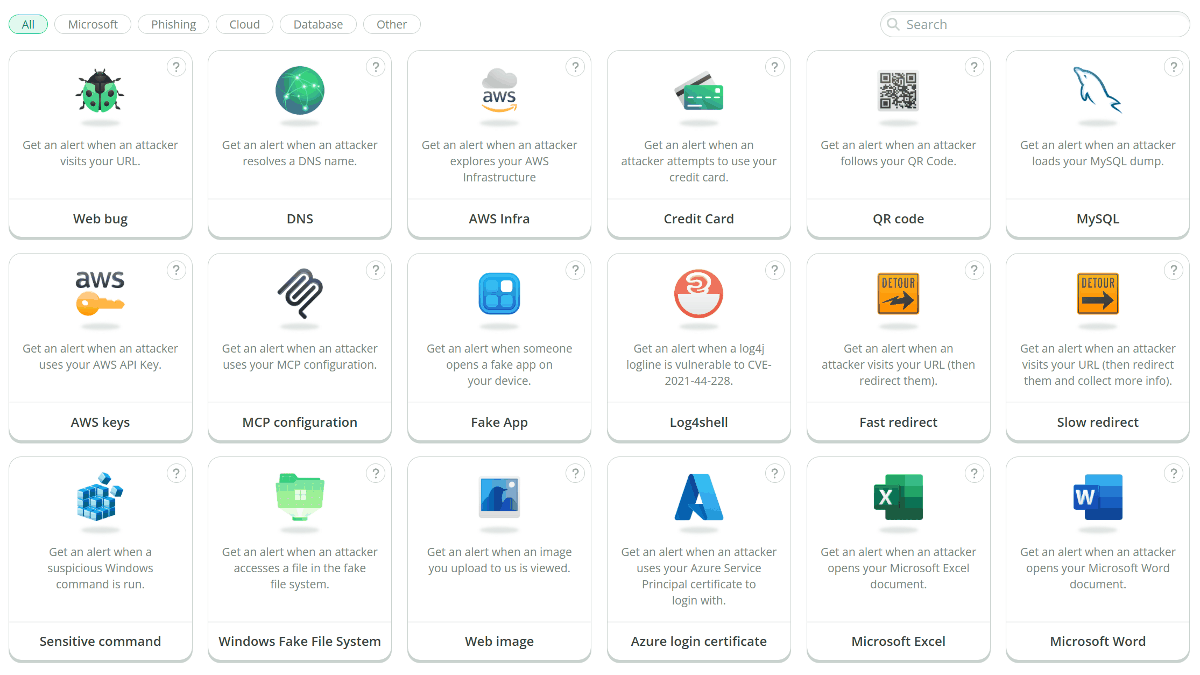
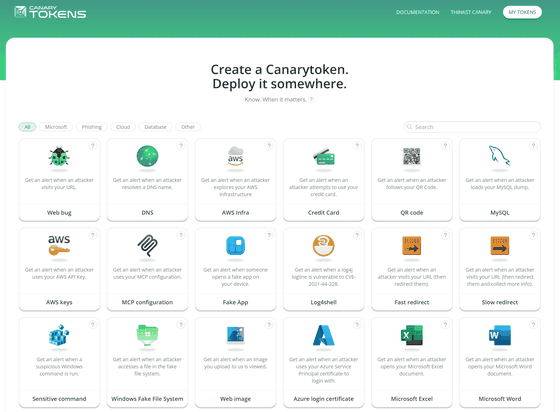
To detect suspicious access to web pages, DNS, AWS, and other systems under your management, you can investigate the logs of each service. Another method is to set up special bait in places attackers are likely to touch, allowing you to receive a notification when it is accessed. Canarytokens is a service that lets you generate bait for web pages, DNS, AWS, credit cards, QR codes, and more for free, and notifies you by email when it is used.
Canarytokens
https://canarytokens.org/nest/
thinkst/canarytokens: Canarytokens helps track activity and actions on your network
https://github.com/thinkst/canarytokens
◆What is Canarytokens
Canarytokens is a free security tool that places bait in locations likely to be touched by suspicious individuals and sends a notification when that information is used. It supports not only URLs, but also DNS, AWS credentials, QR codes, Office documents, and more. Rather than preventing intrusions themselves, it helps identify signs of suspicious activity.
◆Trying Canarytokens
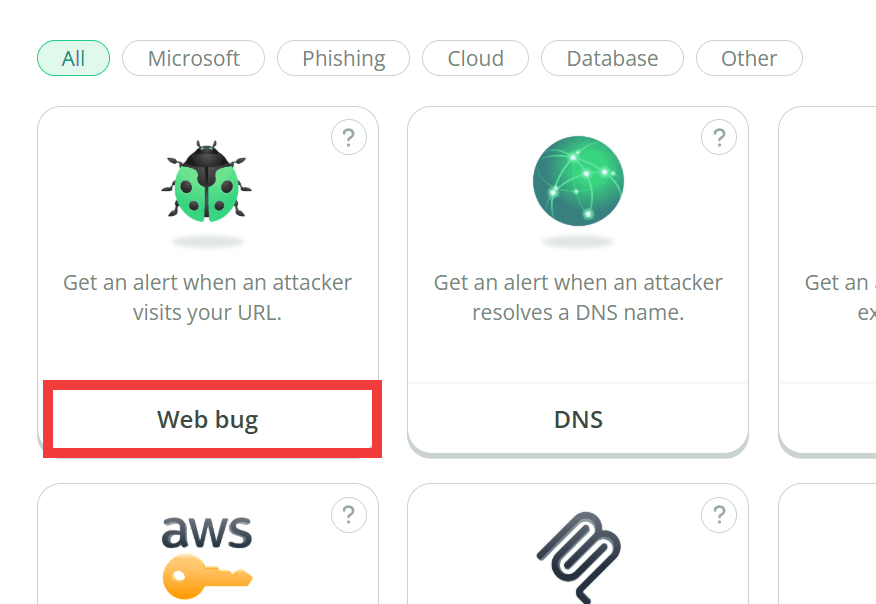
Open the official website, select the type of token, and enter the email address where you want to receive notifications and a description that will help you remember where the token is placed. As an example, click “Web Bug.”
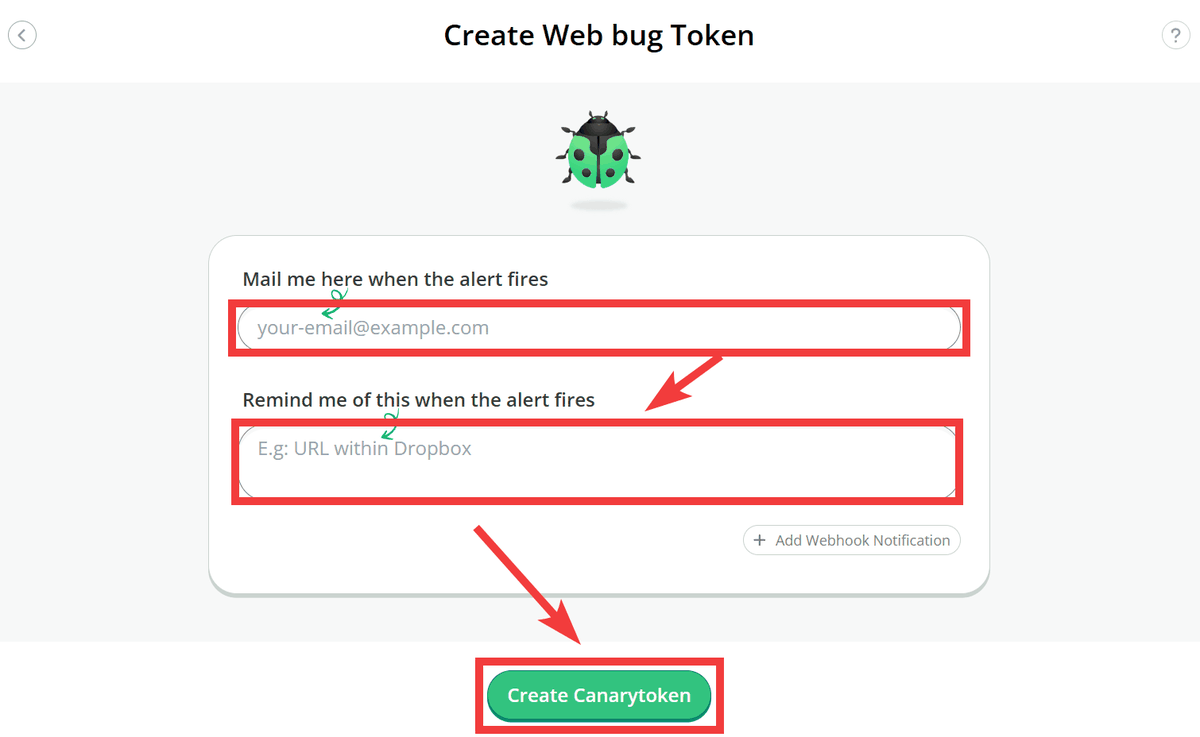
On the “Create Web bug Token” creation form, enter your email address under “Mail me here when the alert fires,” enter “notes about the location, purpose, and other details” under “Remind me of this when the alert fires,” and click “Create Canarytoken.”
A unique URL is generated as the “Canerytoken URL,” which you can embed in private configuration files, materials viewed only by a limited number of people, and similar locations.
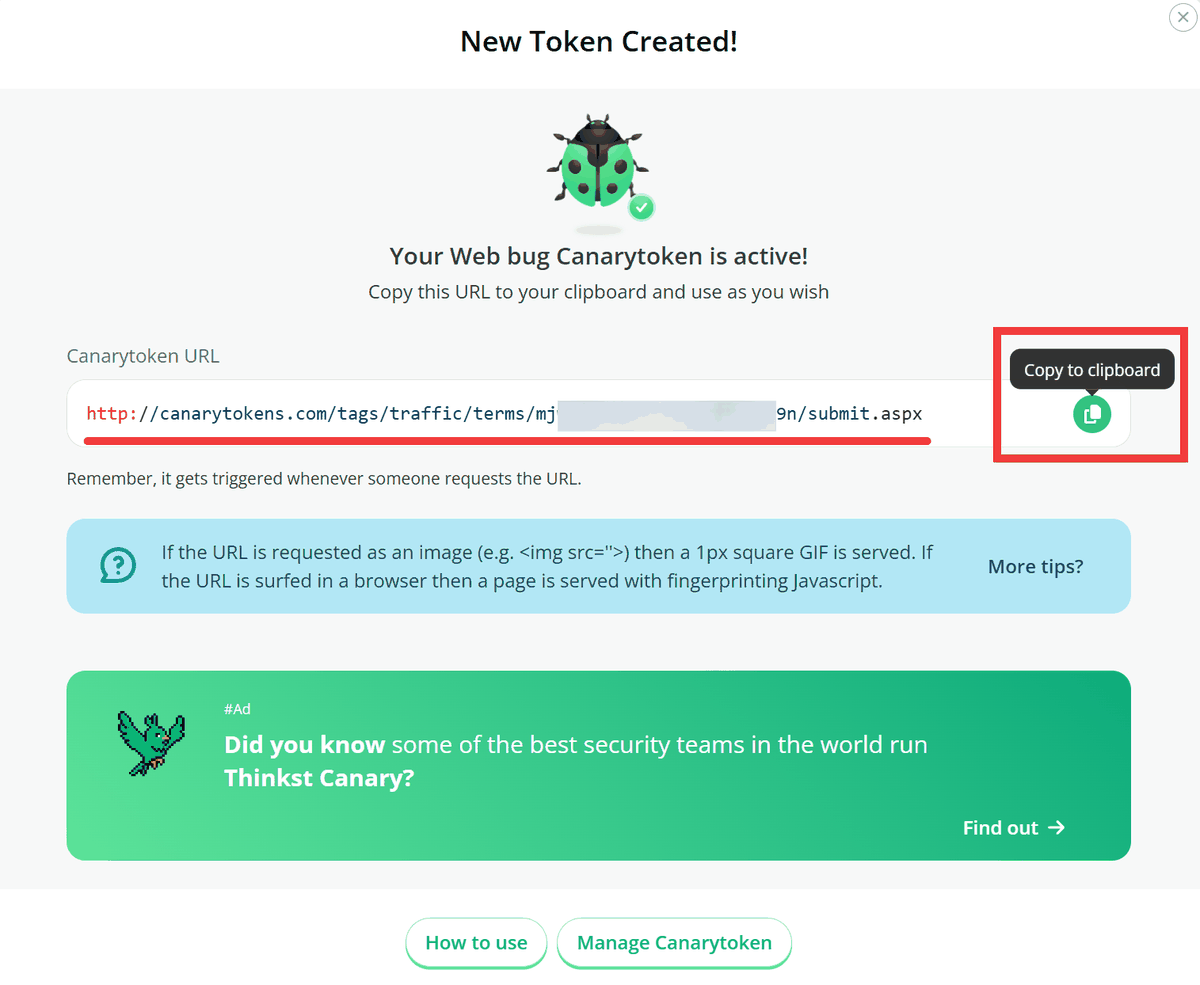
If you open that URL in another browser, an access request is sent to the server, and a warning is delivered to the registered email address. The notification includes the access time, connection source information, and other details, making it useful for investigating unauthorized or unfamiliar access.
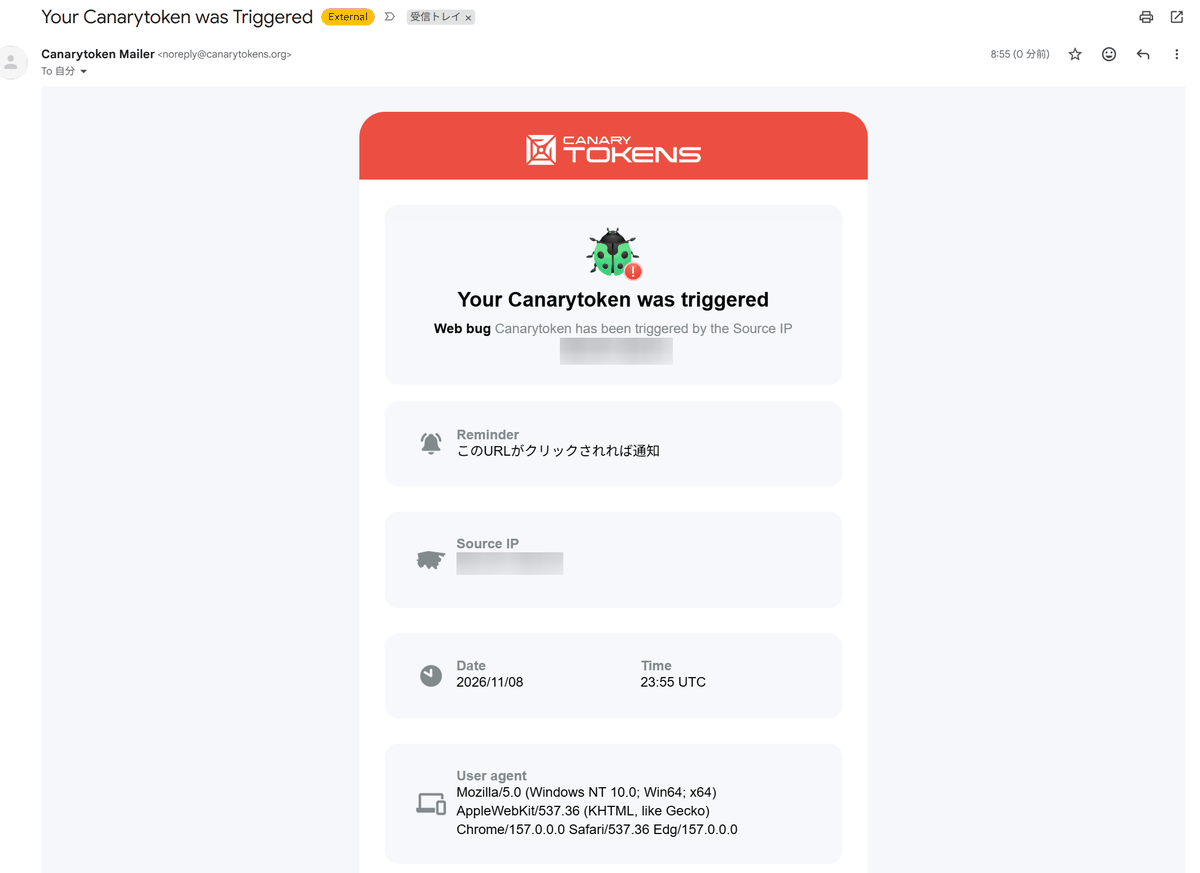
However, notifications are also sent by URL preview functions and automatic checks performed by security software, so an attack cannot be confirmed based on a notification alone.
◆QR Code Support
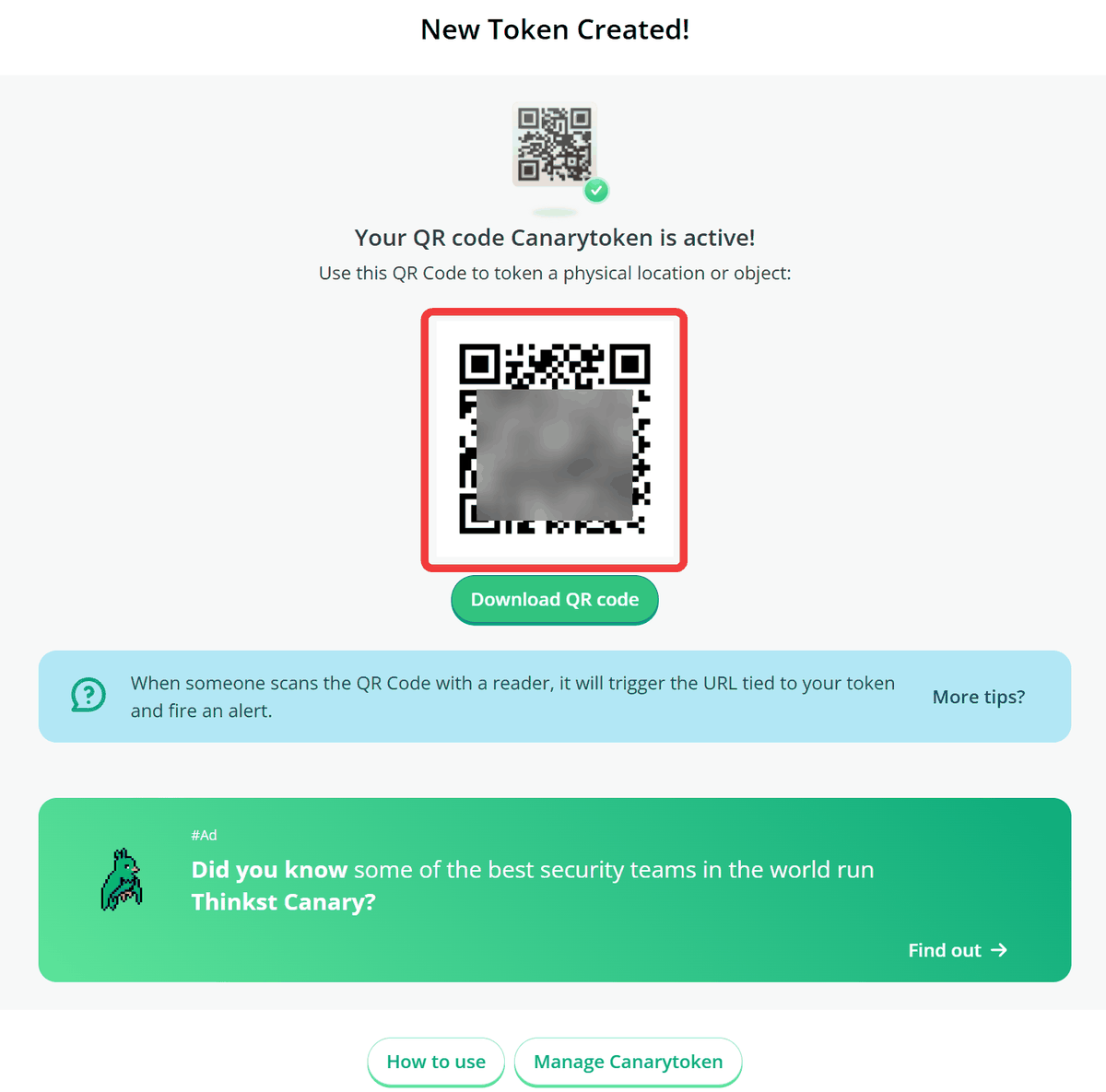
“QR Code” is a URL converted into a QR code. The generated image can be pasted onto printed materials or documents with limited distribution.
◆DNS That Can Detect Access Without Visiting a Web Page
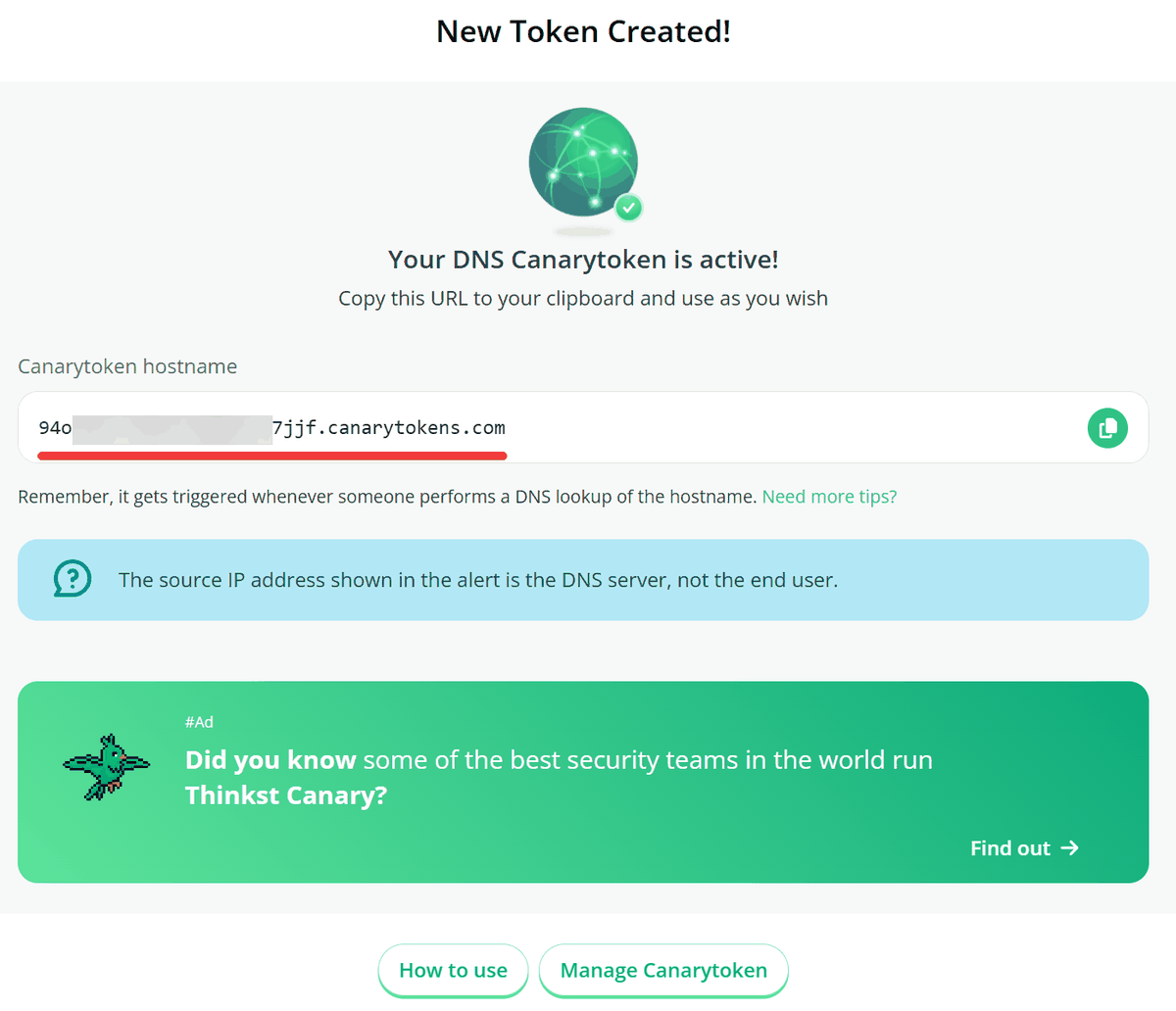
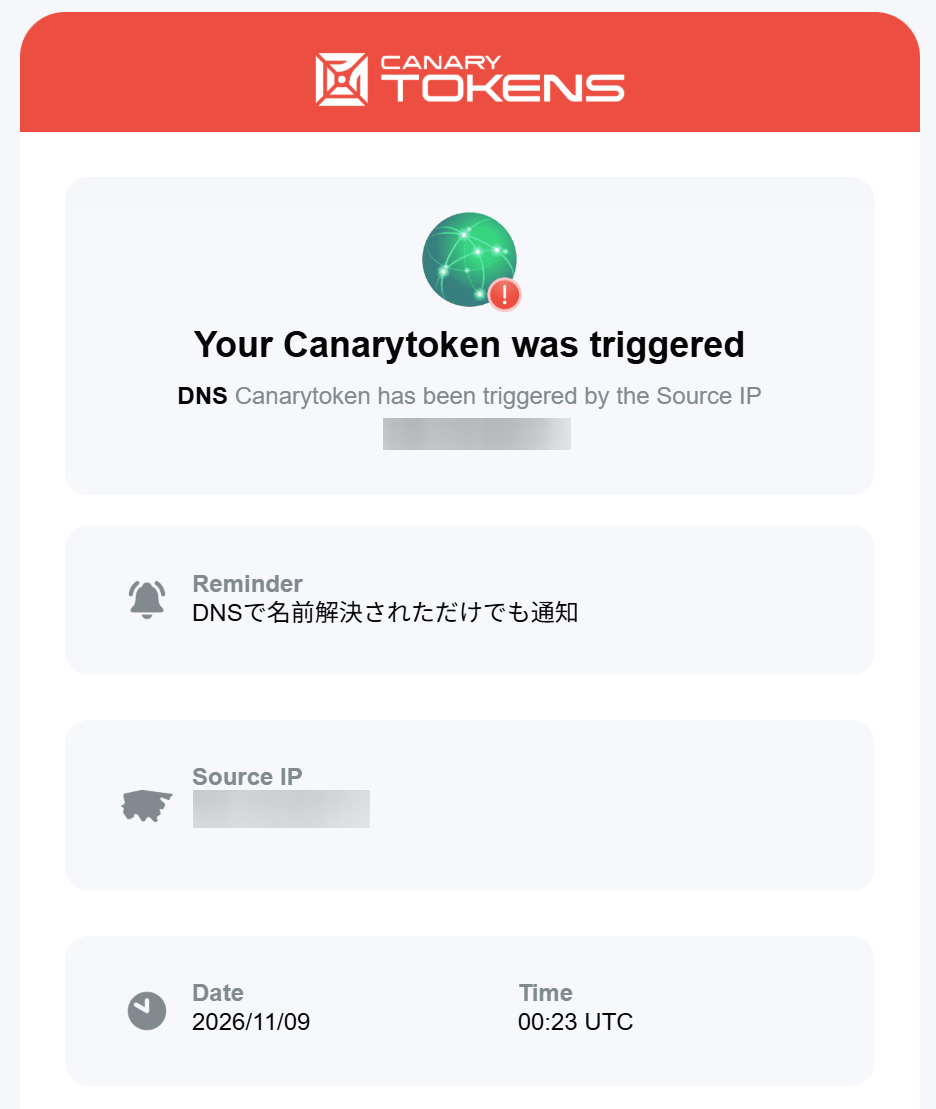
With “DNS,” there is no need to even access a web page; an alert can be triggered simply by attempting to resolve a dedicated domain name.
DNS is a mechanism for looking up information such as IP addresses from domain names. On Windows, you can test how it works using the “nslookup” command.
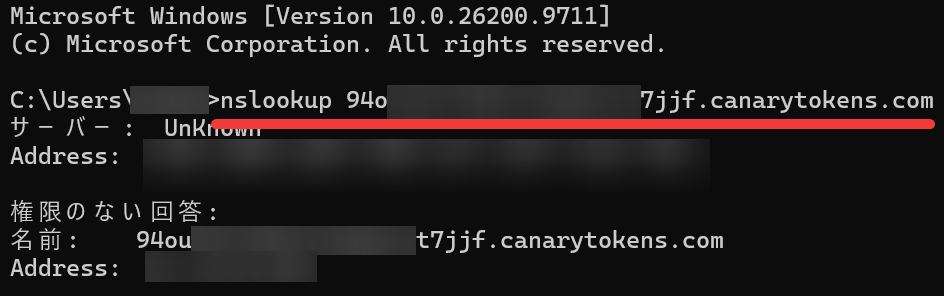
The DNS server used may be listed as the source of the connection in the alert, so the displayed IP address may not be that of the PC that accessed it.
◆AWS credentials and credit cards are also supported
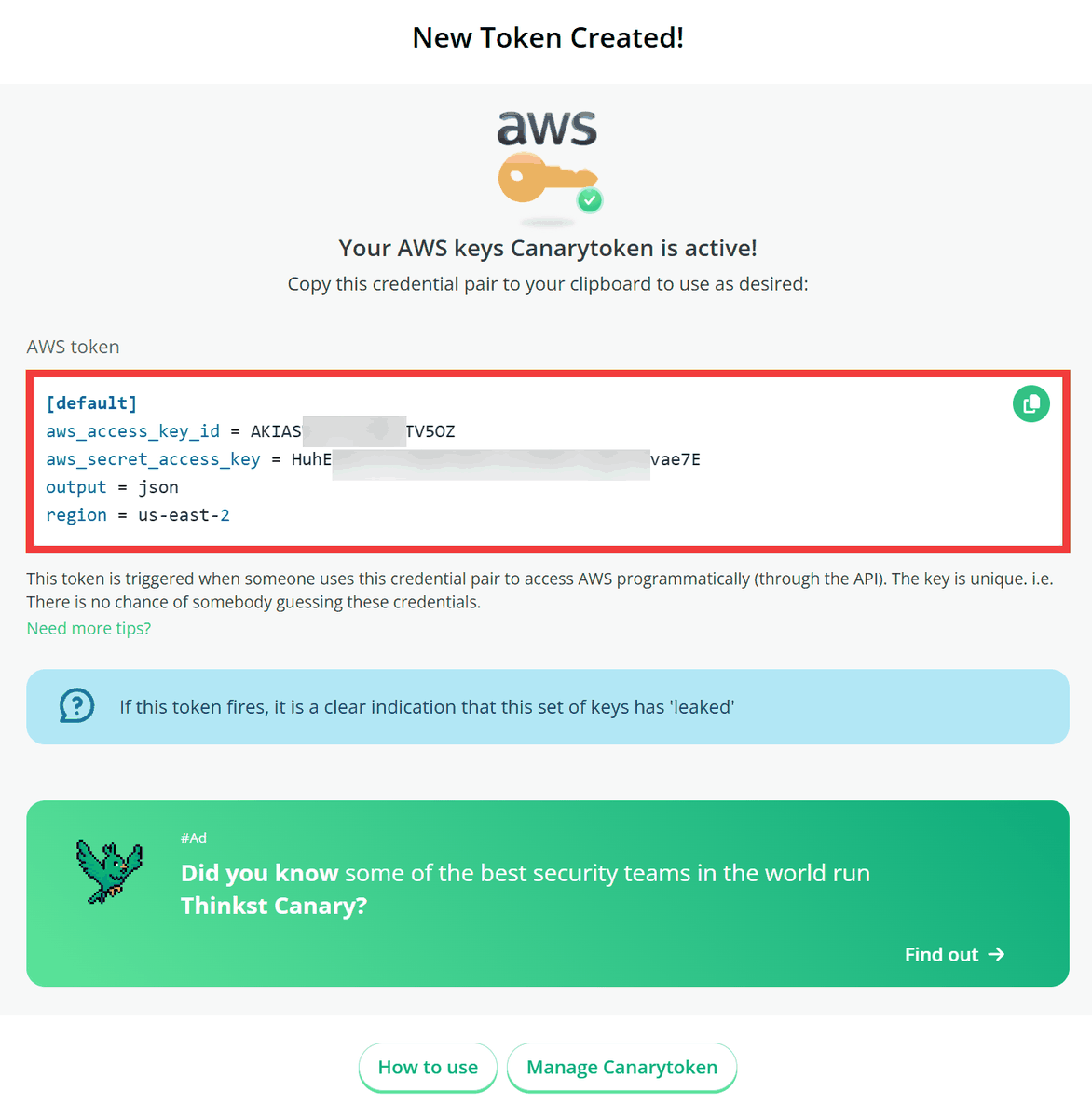
“AWS Keys” creates a decoy that appears to be genuine AWS credentials and generates an alert if a third party uses it with the AWS API. It is designed to be placed in configuration files and other locations, and it may take approximately 2–30 minutes for the alert to be generated because it depends on log processing on Amazon’s side.
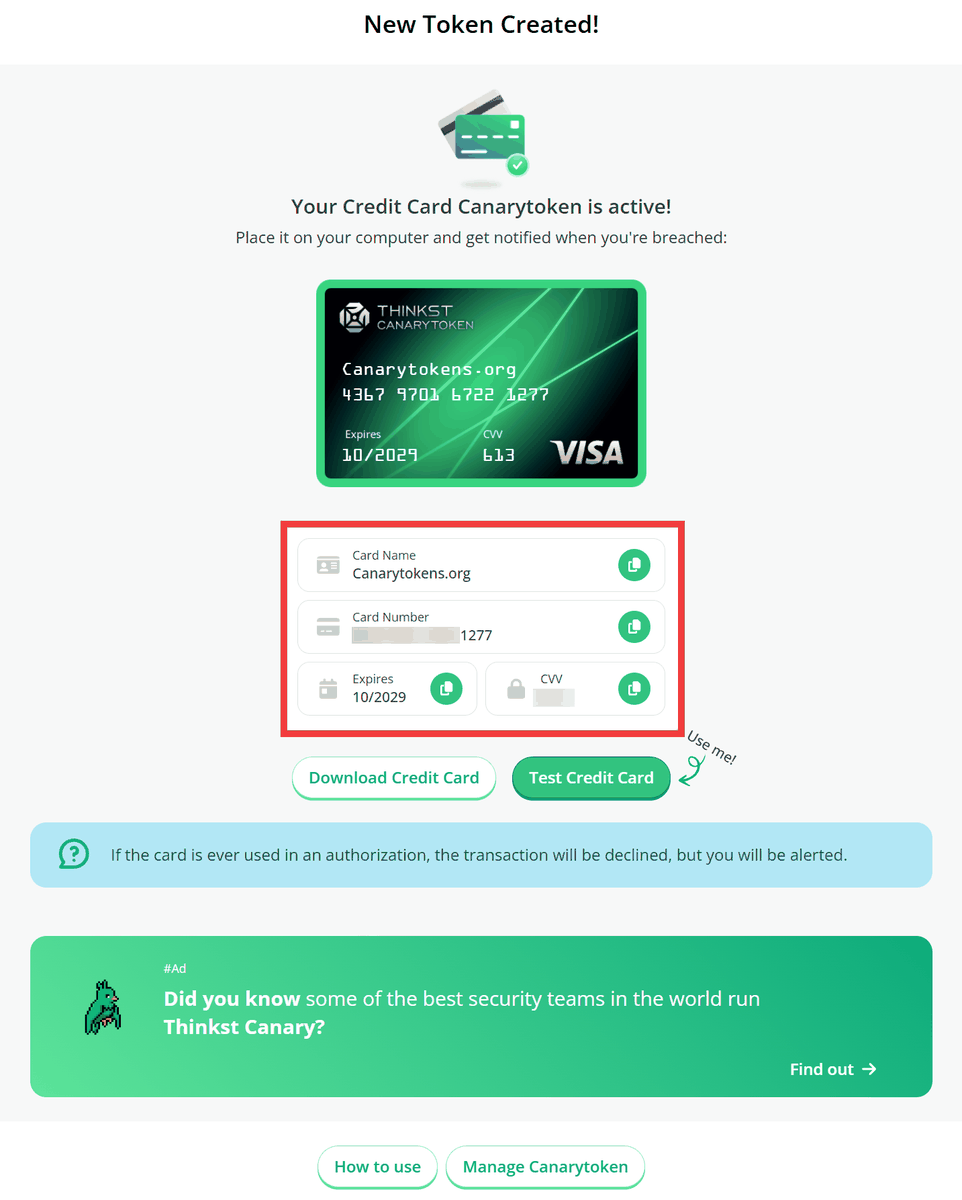
“Credit Card” can generate decoy card numbers, enabling detection when stored payment information is extracted and used in a transaction.
◆Cloning of websites and access to confidential documents can also be detected
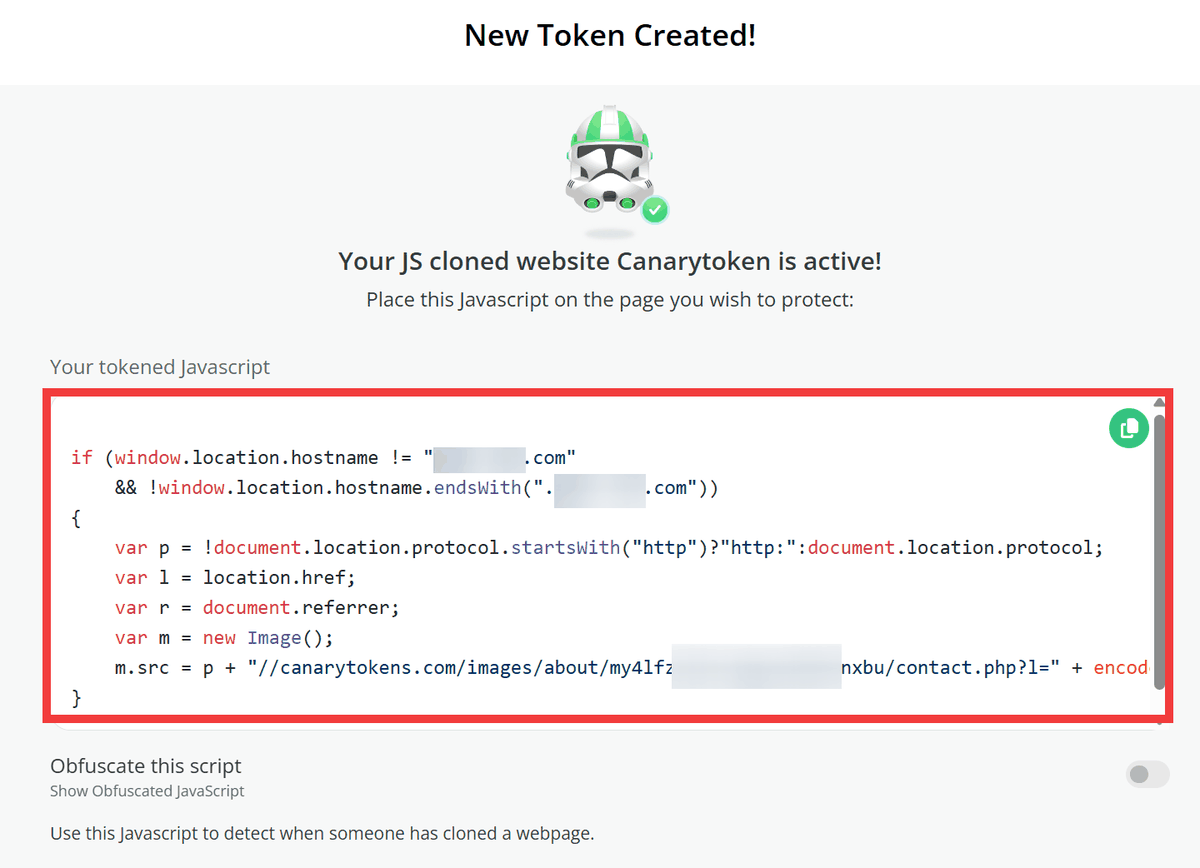
“Cloned Website” embeds dedicated JavaScript in your website and generates an alert if that page is copied to another domain and loaded there.
◆List of available detections
A wide variety of other decoys are also available, including Word, Excel, PDF, Windows folders, WireGuard configurations, MySQL dumps, and MCP connection settings.
・Web bug: Detects access to a dedicated URL
・DNS: Detects DNS name resolution
・AWS Infra: Detects access to AWS cloud resources
・Credit Card: Detects use of a decoy credit card number
・QR code: Detects access to the destination linked by a QR code
・MySQL: Detects reading of a MySQL dump
・AWS keys: Detects use of an AWS API key
・MCP configuration: Detects use of an MCP configuration
・Fake App: Detects opening of a disguised app
・Log4shell: Detects signs of attacks that exploit the Log4j vulnerability
・Fast redirect: Detects access to a URL and redirects to another URL
・Slow redirect: Collects access information and then redirects to another URL
・Sensitive command: Detects execution of specific Windows commands
・Windows Fake File System: Detects access to files within a spoofed file system
・Web image: Detects access to a deployed image
・Azure login certificate: Detects logins using an Azure service principal certificate
・Microsoft Excel: Detects opening of an Excel file
・Microsoft Word: Detects when a Word file is opened
・SVN: Detects access to an SVN repository
・Unique email address: Detects an email being sent to a dedicated email address
・Microsoft SQL Server: Detects access to SQL Server databases
・Custom EXE / binary: Detects the execution or loading of executable files and DLLs
・Acrobat Reader PDF: Detects when a PDF is opened in Acrobat Reader
・Windows Folder: Detects when a folder is browsed in Windows Explorer
・JS cloned website: Detects website cloning using JavaScript
・CSS cloned website: Detects website cloning using CSS
・Kubeconfig: Detects the use of Kubernetes configuration files
・WireGuard VPN: Detects the use of WireGuard VPN connection settings
・Azure Entra ID login: Detects Azure Entra ID login activity
・Network Folder: Detects access to WebDAV network folders
・SAML IdP App: Detects when an app impersonating a SAML authentication platform is opened
・SVG Image: Detects the loading of SVG images
Each type has different trigger conditions, and detection results vary depending on document protection settings and the communication environment.
◆Self-hosting Canarytokens
You can use the official site without installing anything on Windows. The Canarytokens source code is publicly available on GitHub, and the Docker version’s repository is also publicly available. However, some features that issue AWS credentials use a separate dedicated infrastructure, so the range of functionality available differs between the public service and the self-hosted version.
thinkst/canarytokens-docker: Docker configuration to quickly setup your own Canarytokens.
https://github.com/thinkst/canarytokens-docker
◆Evaluating Canarytokens
On the social news site Hacker News, various discussions about Canarytokens are taking place. There is a point that “it may sometimes be identified without triggering a notification for an AWS canary,” while there are also posts giving a positive evaluation of the fact that it “can easily be integrated with existing monitoring systems using a webhook.”

