Chinese company MiniMax has released the image-generation AI “MiniMax-H3-Image.” Its key strength is the ability to generate 16-megapixel images at a practical speed.
MiniMaxAI/MiniMax-H3-Image · Hugging Face
https://huggingface.co/MiniMaxAI/MiniMax-H3-Image
4K image generation in 10 seconds! ⚡
— MiniMax (official) (@MiniMax_AI) November 10, 2026
Meet MiniMax H3-Image.
16 million pixel resolution. Stunning realism. Precise prompt following & editing. Up to 16 reference images. All in 10 seconds.
And it's open-weight. 🚀
Available now via our API, MiniMax Code, and Hailuo AI — with… pic.twitter.com/ZLprDpzpv5
MiniMax-H3-Image is an image-generation AI derived from the video-generation AI “MiniMax H3.” It supports both image generation and image editing, and its standout feature is the ability to generate high-resolution images at 16 million pixels. When using typical image-generation AI to produce a high-resolution image, the usual workflow is to first generate an image at a lower resolution than the target and then use an upscaler to create a high-resolution version. In contrast, MiniMax-H3-Image can directly generate 16-megapixel images at a practical speed.
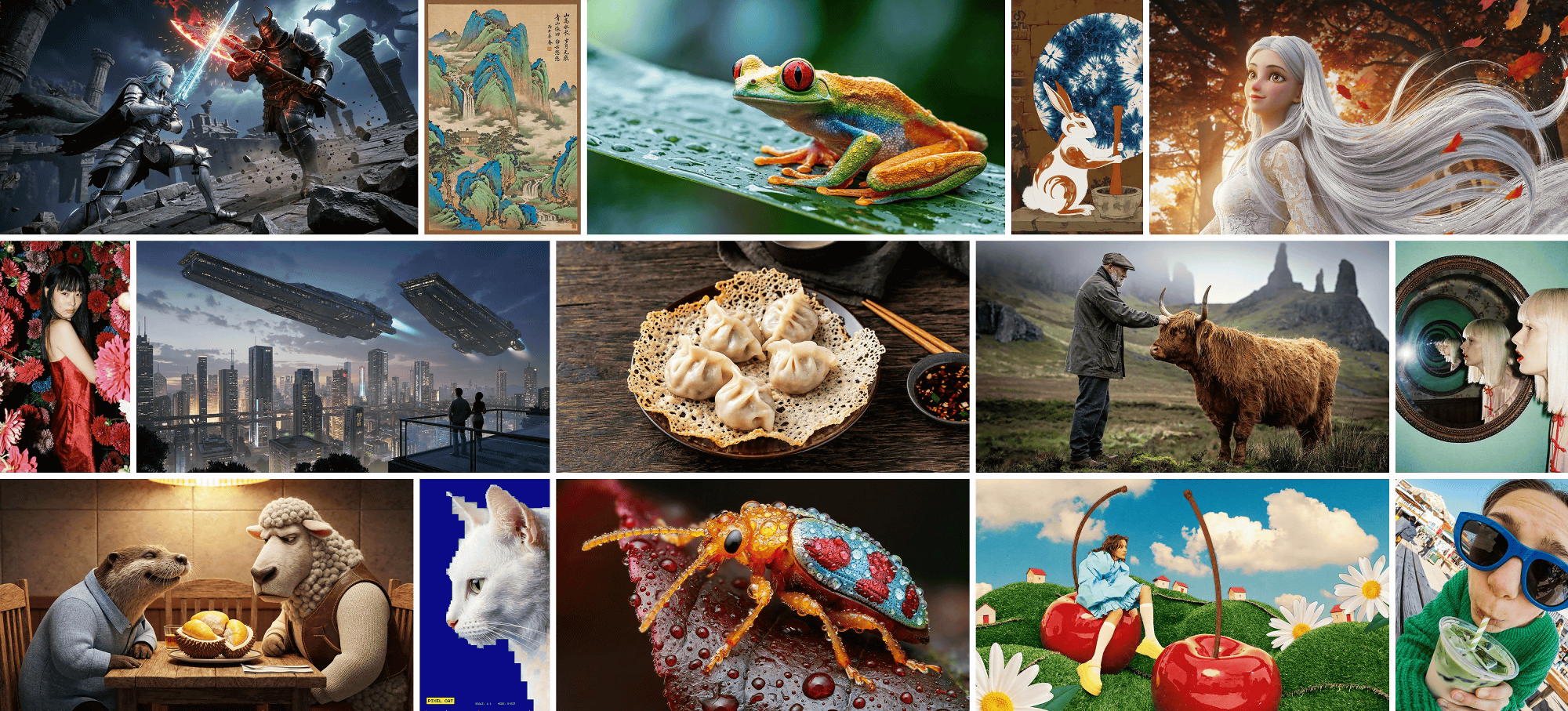
Below are examples of photorealistic image generation.
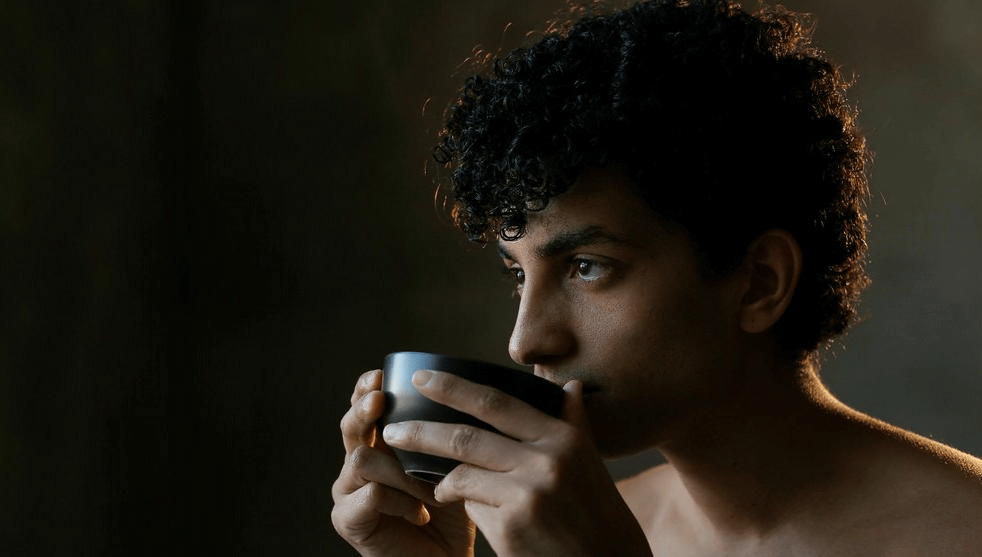
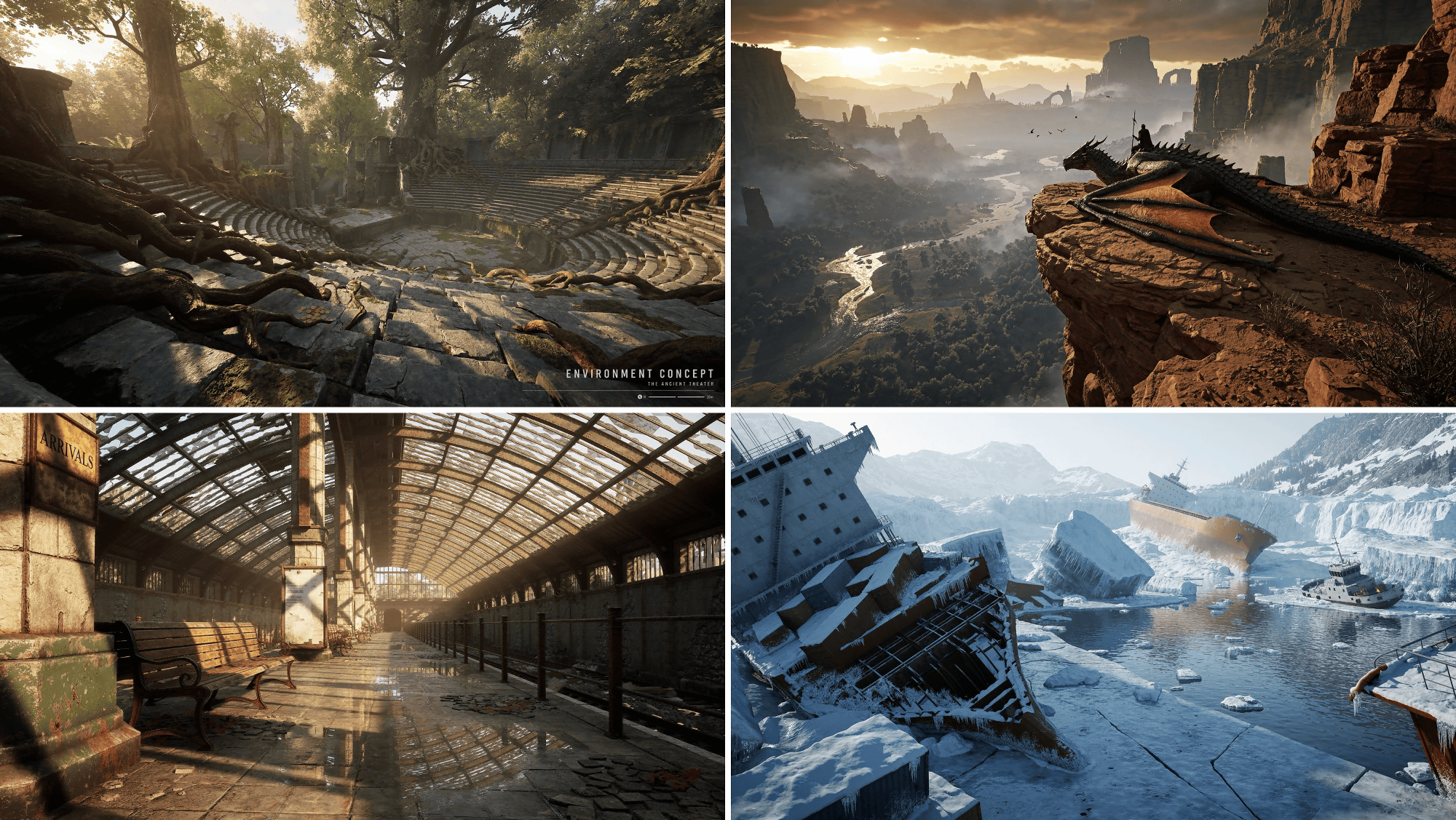
An example generated in the style of concept art for a 3D game.
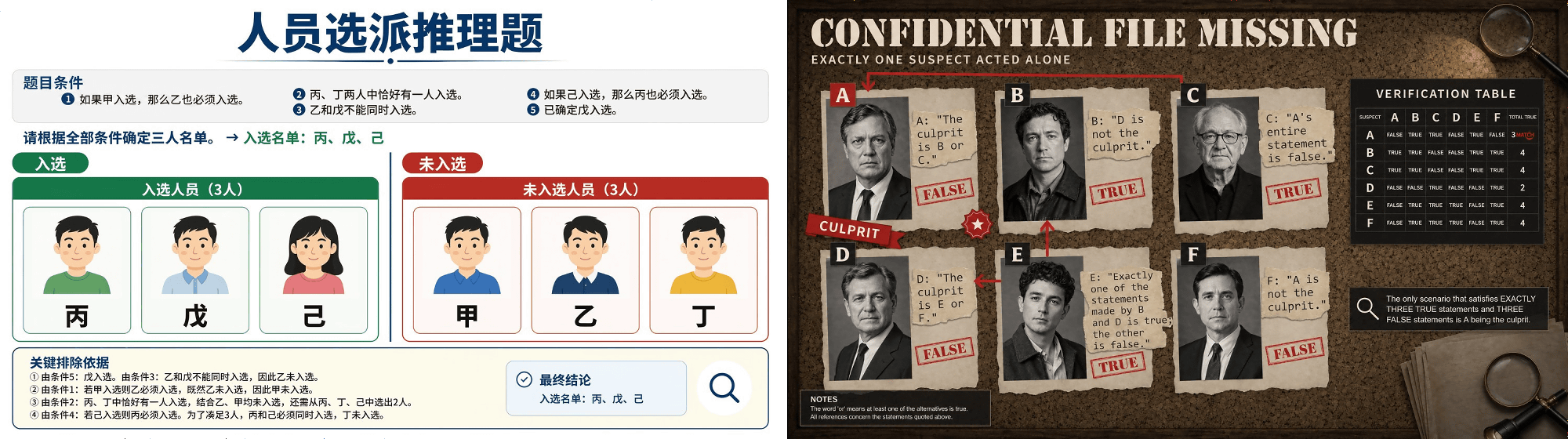
It can also generate images containing text.
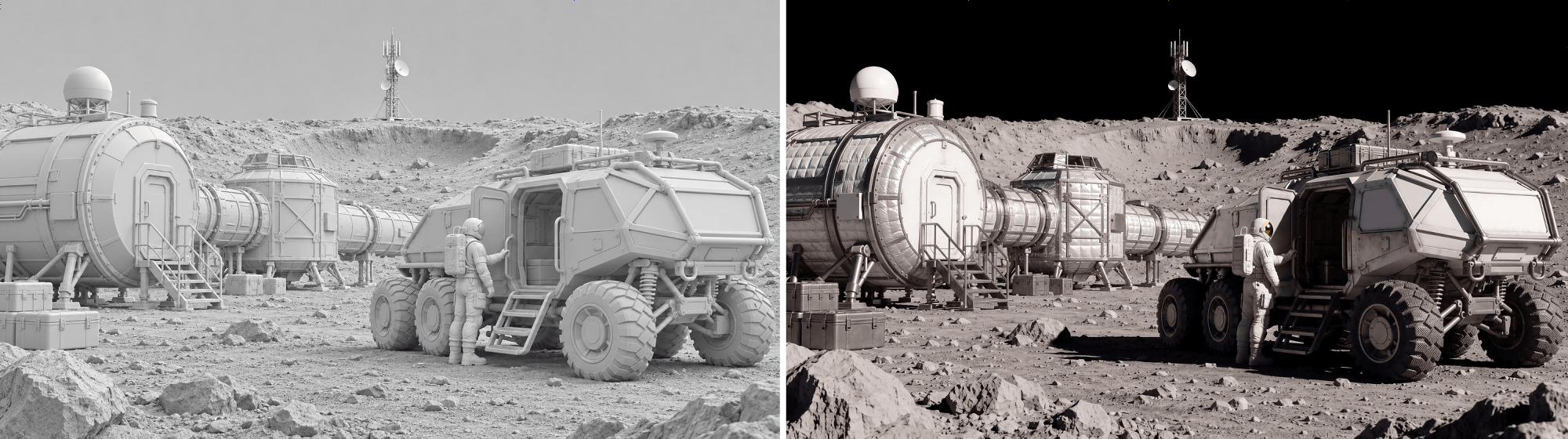
Here is an example of image editing. The left side is the original image, and the right side is the image with a texture applied by MiniMax-H3-Image.
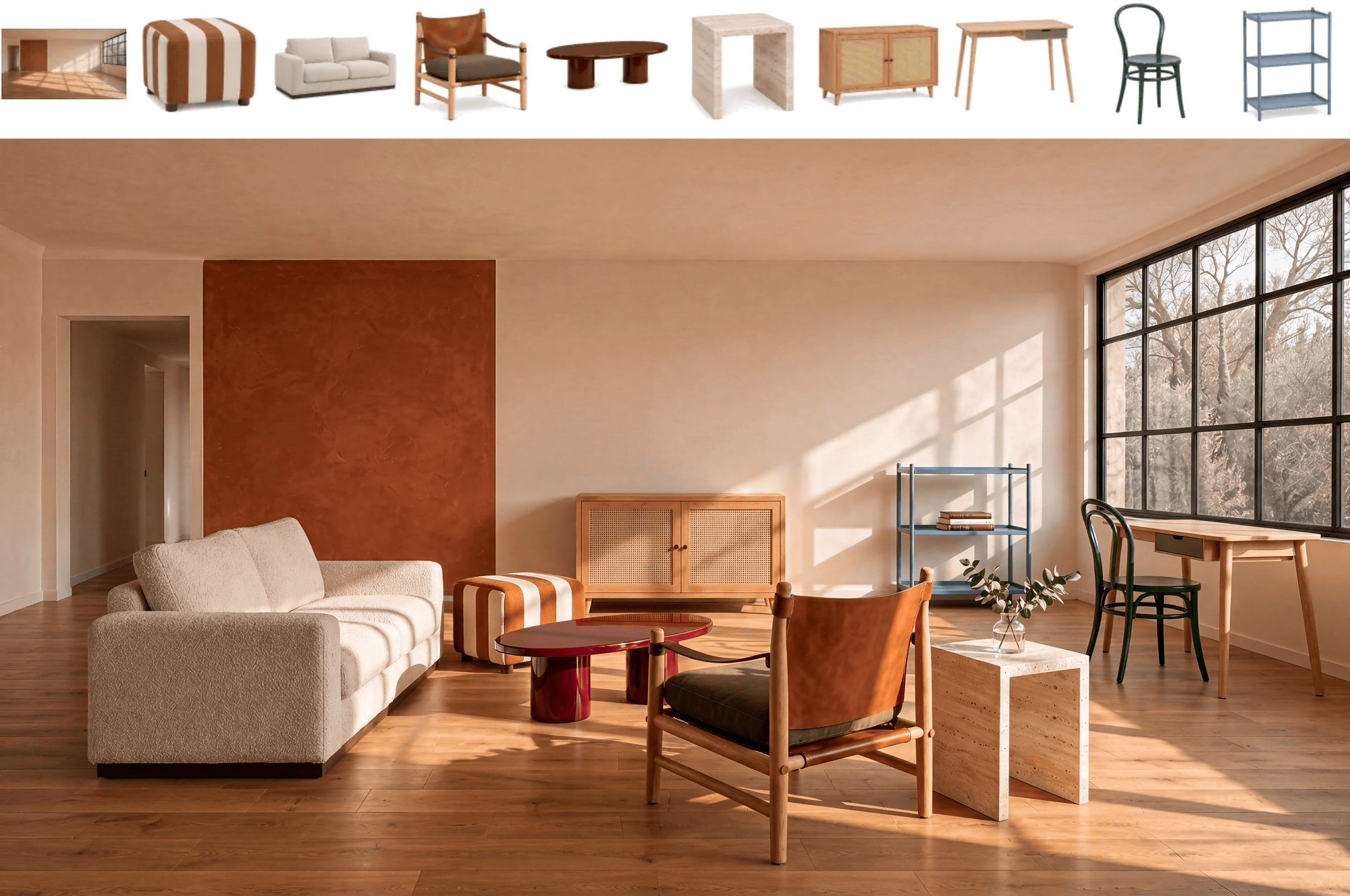
You can also input up to 16 reference images. Below is an example of generating an interior-design image by inputting images of a room and furniture.
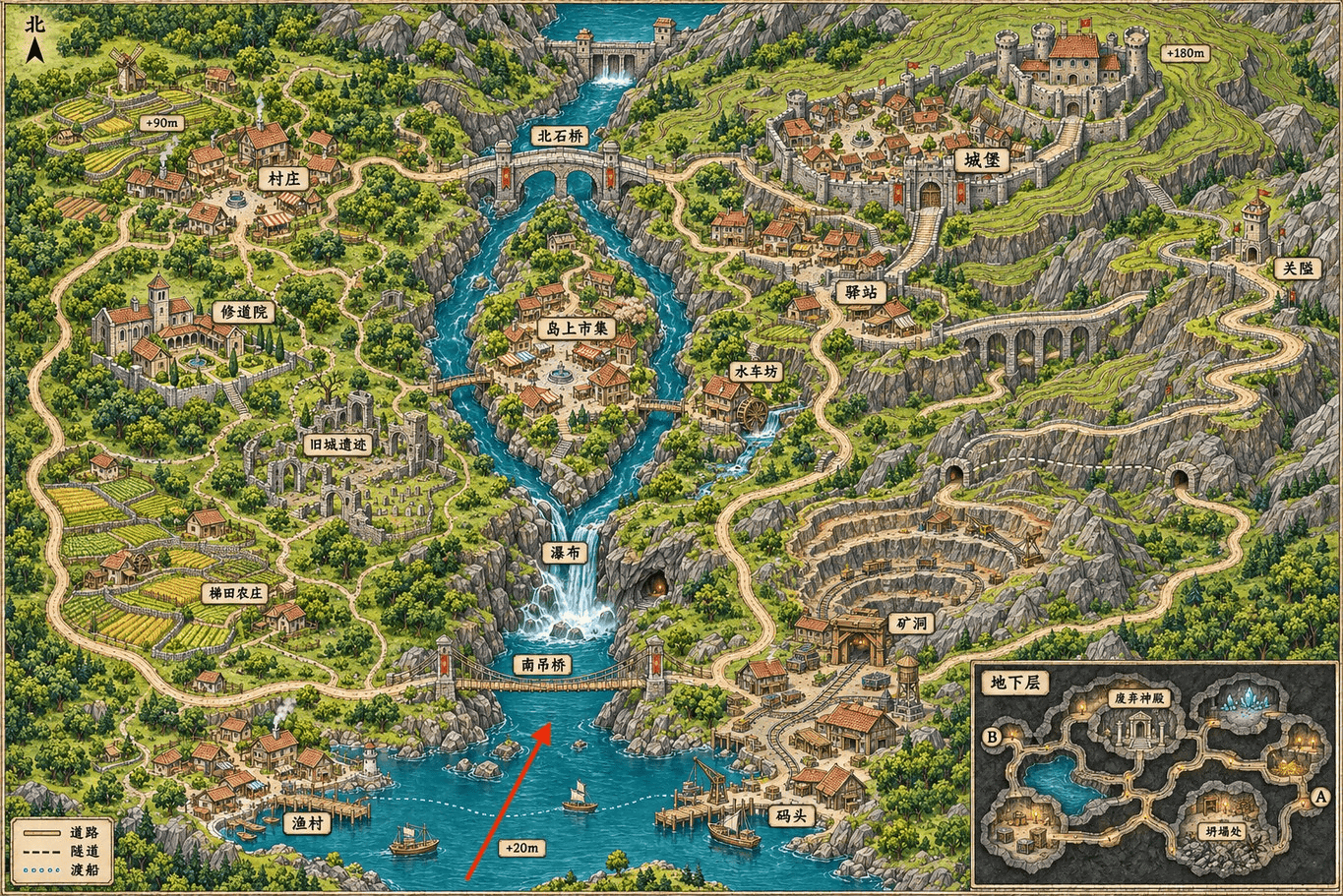
An interesting use case that has also been published is “generating an image by specifying a location on a map.” First, input the following map image and specify the location with a red arrow.
The generated result is shown below. The surrounding terrain and buildings have been completed based on the map.
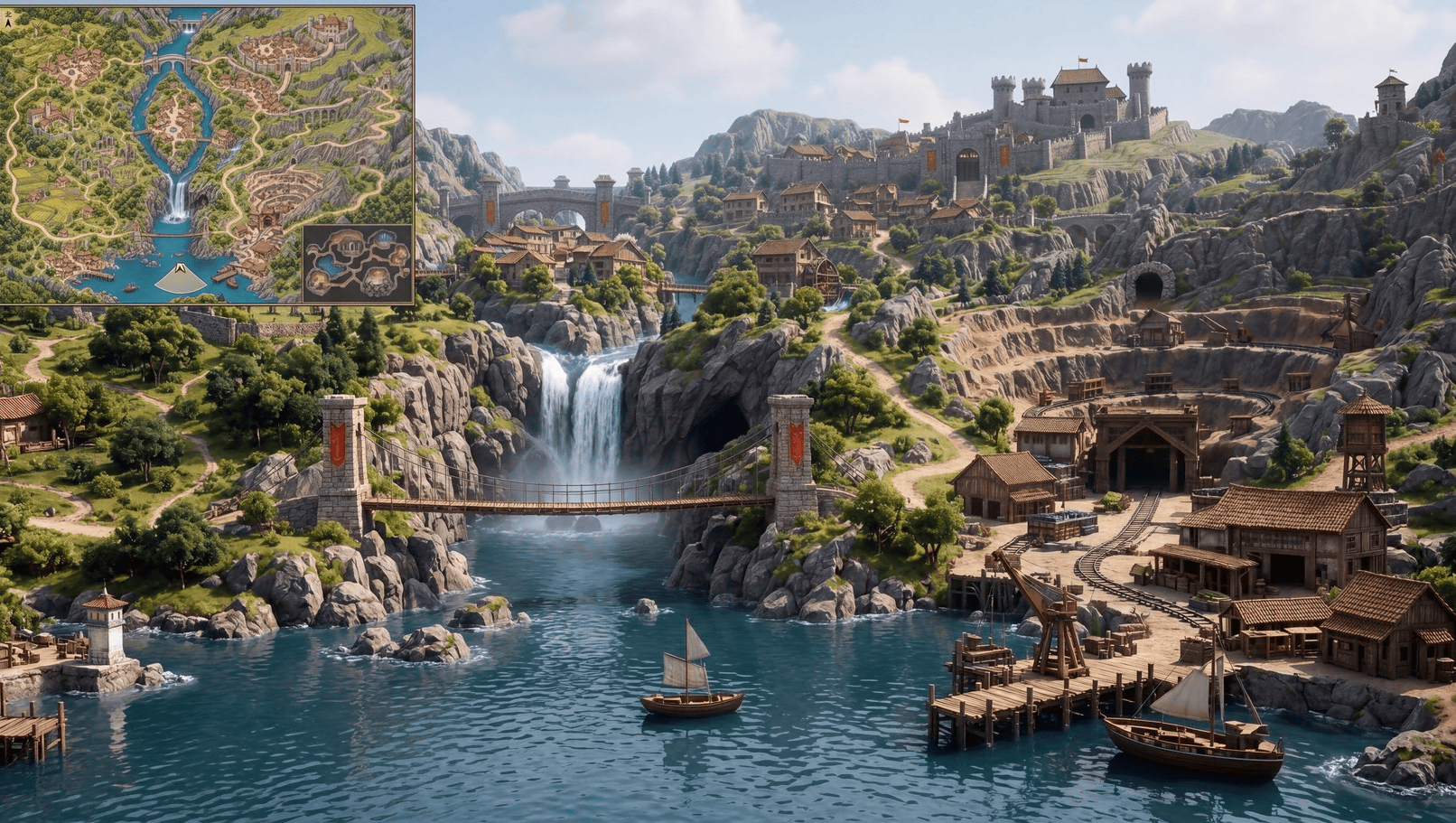
MiniMax-H3-Image has been released as an open-weight model on Hugging Face. It uses the “MiniMax-H3-Image COMMUNITY LICENSE AGREEMENT” license and can be used free of charge for personal use in Japan.
LICENSE · MiniMaxAI/MiniMax-H3-Image at main
https://huggingface.co/MiniMaxAI/MiniMax-H3-Image/blob/main/LICENSE
ComfyUI already supports MiniMax-H3-Image, and official ComfyUI workflows for image generation and image editing have also been released. Since the default resolution setting in the official workflow is 4 megapixels, if you want to see the full potential of MiniMax-H3-Image, it is recommended to change the setting to 16 megapixels.
@MiniMax_AI H3 Image is now natively supported in ComfyUI.
— ComfyUI (@ComfyUI) November 10, 2026
→ Open weights
→ 6 steps, nothing to tune
→ Native 4096×4096 output
→ Text-to-image + multi-reference editing in one model
Run it on your own GPU or via Partner Nodes. pic.twitter.com/xZZkNupG0Y


