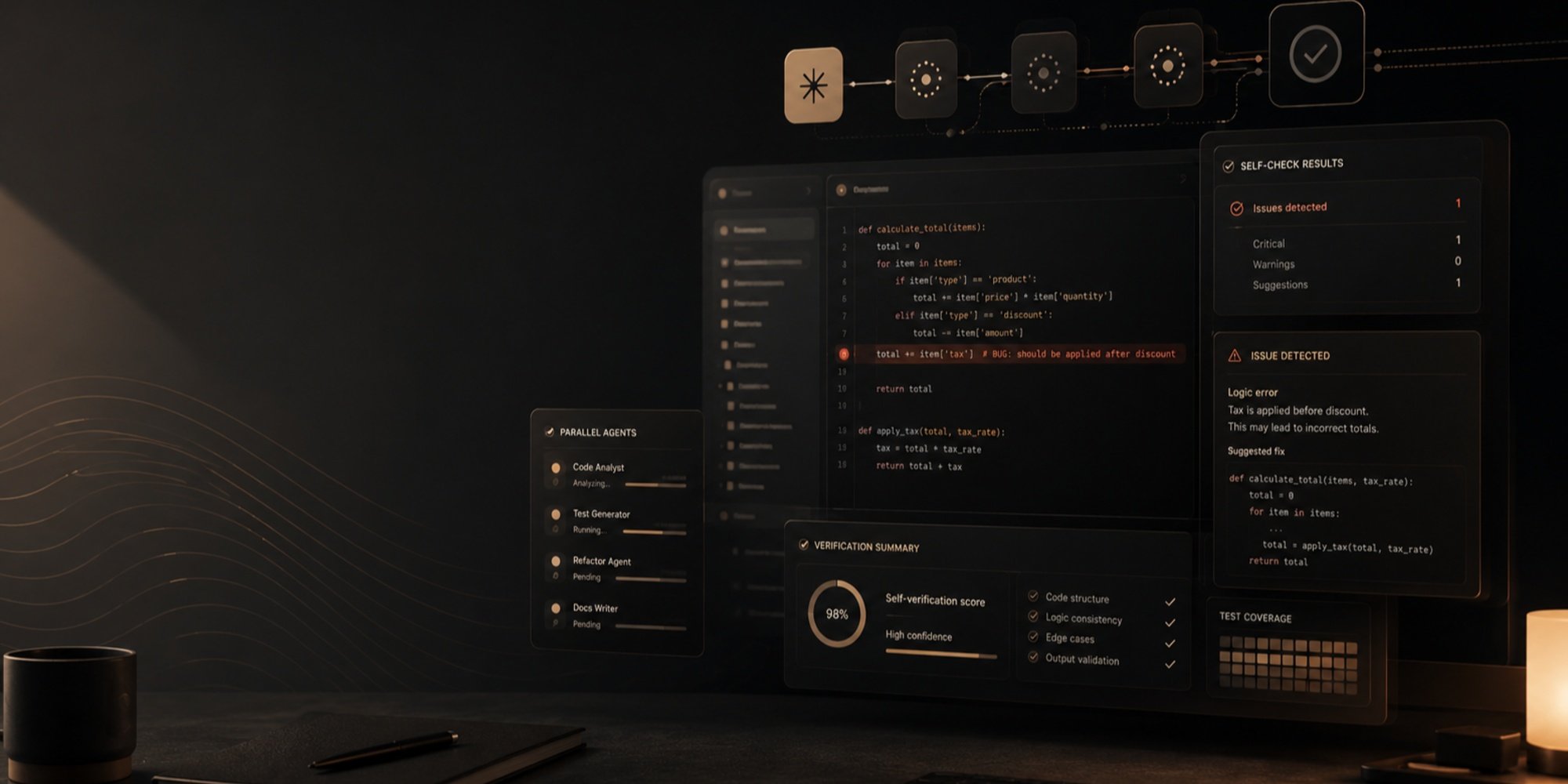
Lately, while scrolling through Douyin, you’re likely to come across a type of video like this: three to five minutes long, with no on-camera presenters or live-action footage, just words and graphics that continually grow, break apart, and recombine on screen. For example, the widely known line “Bright moonlight before my bed” is used to explain what “surprise” is, leading into the concept of “information theory”; a few stick figures + a few simple sketches explain “Why do things sometimes get worse even when you try harder?”; and the story of a man who smoked for 96 years and lived to 122 is used to explain what “survivorship bias” is. These videos explain concepts through simple, clear animations, paired with electronic music that lands precisely on every beat. After watching one, you’ve understood a concept and also feel as though you’ve just watched an MV.

This kind of content now has a name of its own: Vibe Knowledge. As of now, the Douyin hashtag “#VibeKnowledgeAwards” has attracted 186,000 participants and accumulated 4.38 billion views. On Bilibili, the creator “Bit Xinyu,” who only began posting in early October, gained 650,000 followers in half a month and 108,000 in a single day on October 19.

Why is Vibe Knowledge so popular? The reason is actually quite simple.
In the past, turning abstract knowledge into visual animations required specialized skills. According to figures disclosed in the early days by PaperClip, a knowledge-animation team, a video of around five minutes required four to five people to spend two to four weeks on it. After Claude Opus 5.5 was released in late September, the approach of using natural-language prompts to get large models to write HTML and JavaScript code for animations quickly spread. Knowledge creators could use prompts to generate visuals segment by segment and match sound effects, allowing a single person to take a project from script to finished video.
But being able to do it alone ≠ making it easy. There is still plenty of manual work between the model writing a chunk of animation code and producing a video that is ready to publish. On November 10, Jimeng launched “Motion Studio,” centered on the idea of “describing creative ideas in text and compiling visual imagery through code,” with the aim of filling this gap. Can it produce a decent Vibe Knowledge video? We tried it out right away, testing everything from a 60-second physics explainer to a four-minute humanities short film.

Hands-On Test: A Vibe Knowledge Video Generated Directly from a Single Sentence
We ran four tests in total, with the difficulty increasing each time: the runtime was stretched from 60 seconds to four minutes, the subjects ranged from physics concepts and sci-fi settings to cutting-edge AI and the history of Chinese characters, and the prompts varied in length, from full shot-by-shot storyboard scripts to one-sentence prompts. We tried them all.
The first test used a typical Vibe Knowledge subject: the increase of entropy. We wrote a fairly long prompt that clearly laid out the opening imagery, the analogy in the middle, the formula that drives home the point, and the closing punchline. We also specifically asked it to avoid the “glowing-on-black” aesthetic most common in Vibe Knowledge:
Explain what the increase of entropy is in 60 seconds. It opens with a glass of water containing ice cubes. The ice slowly melts, and the water molecules go from an orderly arrangement to running around everywhere. Next, use a room changing from tidy to messy to introduce the idea that an isolated system always spontaneously moves toward disorder. Then display the formula S = k·ln W to drive the point home, with the number after W continually climbing. End with this line of voice-over: “Life is a local victory in the battle against entropy.” Use an off-white background with contrasting orange-and-blue geometric shapes, with no glowing lines on a black background. Use a steady male voice for the voice-over and light electronic music for the soundtrack.
After clicking Generate, Motion Studio ran for about eight and a half minutes, used 82 credits, and delivered a finished 60-second video.

We can see that Jimeng Motion Studio first analyzes and understands the user’s intent, then plans and invokes the relevant skills, separately generates the voice-over and visuals and renders them together, and finally performs verification to ensure that the generated video meets the requirements.
Overall, both the melting ice and the room becoming messy were conveyed very effectively, the formula S = k·ln W was rendered accurately, the color scheme met the requirements, and the voice-over and visual transitions were tightly synchronized.
From entering the prompt to receiving the finished video took less than 10 minutes. The visuals, voice-over, and music were all right on the first pass, with no need to open a browser and screen-record or to source audio materials elsewhere.Of course, a 60-second short video like this may still be no match for what a professional team can produce after weeks of refinement, but for individual creators who want to quickly test an idea and see how it turns out, the barrier is now low enough that they can “think it and do it.”
Moreover, we can directly use a preset template and reuse artistic styles that have already been vetted by Jimeng’s official team. For example, here we chose the “Glowing Particles” style and directly reused the prompt above to produce a more aesthetically pleasing video explaining entropy: 
Of course, we can go even further and refine the prompt and style in greater detail—for example, by specifying the content, adding a “Machine Heart” logo, and providing existing assets and voice-over narration.

This yielded a more visually appealing and attention-grabbing version: 
Next, we extended the runtime to 3 minutes and changed the subject to Asimov’s “laws of robotics”: from the Three Laws, first fully proposed in the 1942 short story “Runaround,” to the Zeroth Law added in Robots and Empire in 1985.
This time, we approached it as if writing a storyboard script and made the prompt extremely detailed: the entire film was divided into five acts, each timed down to the second, with specifications for visual elements, verbatim narration, color palette, and music. Even how the Three Laws would be stacked like building blocks to form a tower and which scene would show the robot circling the selenium pool were explicitly written out.

After Motion Studio had been running for about 13 minutes, we received the first version. 
Motion Studio’s output matched the prompt, but the problems were obvious. The prompt locked down both the duration and content of every act, leaving Motion Studio little room to improvise; it could do little more than execute the instructions item by item. As a result, the 3-minute video had a loose pace, with long pauses between several sections of narration, and did not feel sufficiently tight overall.
Fortunately, Motion Studio also supports multi-turn dialogue. We added one sentence of revision feedback in the same conversation, and Motion Studio rearranged the entire video.

Even more interesting was how it understood the request. As can be seen, we had originally only asked it to speed up the pacing, but it judged that merely shortening the gaps between the narration was not enough. It therefore filled the spaces that had previously been left blank with meaningful actions and shot changes, keeping the visuals continually advancing in step with the narration. This was no longer just executing instructions; it was understanding the intent behind them. 
This round also taught us a lesson: For Motion Studio, a more detailed prompt is not necessarily better. Locking down the storyboard means taking on the director’s entire job yourself; giving it the theme, key points, and style while leaving it room to arrange the video may actually produce better results.
So for the next attempt, we reversed our approach entirely, selecting a “Pixel Adventure” style template and giving it just one sentence:
“Create a two-and-a-half-minute educational explainer video explaining what RSI (recursive self-improvement, Recursive Self-Improvement) is.”

There was no structure, no key points, and no color palette in the prompt; it only selected a preset template; and for RSI, we supplied only an abbreviation and a Chinese translation of the name. The choice of topic was also deliberate: recursive self-improvement is a relatively cutting-edge and abstract concept in AI, making it particularly effective for testing Motion Studio’s ability to “understand content and organize expression,” and seeing whether it could break a concept down on its own and turn it into an explanation ordinary viewers could understand. 
The outcome far exceeded our expectations. Motion Studio not only adhered closely to the style of the “Pixel Adventure” template and clearly and concisely explained the basic concepts and logic of RSI, but also showed the real-world challenges RSI faces, presented the reasoned view that “a score does not equal safety,” and placed particular emphasis on RSI’s safety boundaries.
The final entry was the most challenging: a 4-minute humanities short film using the Chinese character for “horse” as a thread to trace the more-than-3,000-year evolution of Chinese characters.This time, the prompt fell somewhere between the two previous groups: it provided a narrative flow and stylistic direction, but did not prescribe the duration or visuals for each scene:

The challenge of a humanities subject was different from those of the previous groups. Explaining entropy increase and RSI depended on the ability to make the concepts clear; explaining the evolution of Chinese characters depended on mastery of specific knowledge—what the character for “horse” looked like in oracle bone script, bronze inscriptions, and small seal script. Not a single stroke could be wrong.
The results confirmed this. In the first cut, the character 「馬」 had been rendered incorrectly.

We then provided it with some reference materials, and Motion Studio made the corrections accordingly.

This episode aptly illustrates one feature of a code-driven approach. Text is typeset and rendered directly by code, so it avoids the garbled or blurry characters commonly seen in AI-generated visuals; however, whether the glyphs themselves are correct still depends on the knowledge the model possesses. Fortunately, erroneous portions can be accurately pinpointed and modified independently, without having to start over. For serious knowledge content, the creator’s oversight remains irreplaceable.
After four rounds of testing, we had a pretty good sense of Motion Studio’s likes and dislikes:
Prompts should provide direction rather than lock down every storyboard shot;
Multi-turn conversation is one of its most useful capabilities; a single revision request can result in a complete rearrangement;
Details involving specialized knowledge, meanwhile, require the creator to provide references and personally vet the work.
Beyond our hands-on testing, there are two more questions worth asking: Why are videos such as Vibe Knowledge naturally suited to code? And what gap is Motion Studio filling?
Vibe Knowledge Is Actually “Orchestrated” Video
Looking closely at these videos, you can see that they are generally not “shot.” The elements in the frame are text, formulas, charts, and geometric shapes; their placement, timing, and rhythm of movement are, in essence, designed and orchestrated.
This is not what video-generation models excel at. Video models generate consecutive frames in pursuit of realistic lighting, materials, and natural movement, making them suitable for presenting photorealistic scenes. Knowledge explanations require something else: the symbols in a formula must be correct, the arrows in a flowchart must not point in the wrong direction, every character in a title must be perfectly clear, and the information must unfold layer by layer in the order it is presented. This requirement for precision and order is exactly code’s forte. Every element’s position, size, and timing are written into the code, and changes are readily traceable. That is precisely why the correction of 「馬」 in the earlier Chinese-character test could be pinpointed so accurately.
But going from “the model writes a piece of runnable animation code” to “a video that can be posted to Douyin” still leaves a great deal of manual work in between. The code has to run in a browser and then be screen-recorded or exported; the voiceover must be added separately, the music sourced separately, and the timing between the audio and visuals aligned by hand; changing even one detail often means running through the entire process again.
Another issue is homogenization. Large numbers of Vibe Knowledge videos use similar dark backgrounds, glowing lines, particle effects, and electronic background music, making them increasingly difficult to distinguish from one another. The tool lowers the barrier to production, but it does not automatically provide aesthetic judgment. In the entropy test, we specifically requested “no glowing lines on a black background” for the same reason.
In other words, this trend has already demonstrated the demand. What is needed next is a product that connects “understanding the content, orchestrating the visuals, adding voiceover and music, and exporting a finished video” into one workflow, while offering a more diverse visual language. Motion Studio is aimed at precisely this position.
Motion Studio — Describe ideas in words, compile visuals with code
Motion Studio is another professional tool from Jimeng for specific creative scenarios, following the launch of the Short Drama Studio on October 26.
According to Jimeng, Motion Studio gives users the video-creation capability to “describe ideas in words and compile visual imagery through code” and helps them start creating quickly with preset templates. It covers a broader range of scenarios than Vibe Knowledge, including text animations such as title openers and animated key lines; event promotion such as event announcements and promotional posters; product introductions such as feature highlights and brand films; knowledge explanations such as concept diagrams and process walkthroughs; and creative effects such as transitions, 3D rendering, and code aesthetics.
What is its relationship with Jimeng’s existing video generation capabilities? According to the introduction,videos generated by Motion Studio center on the precise arrangement of text, images, and graphics, emphasizing distinctive visual styles, controllable motion, and synchronization between sound and visuals; video models such as the Seedance series, meanwhile, generate continuous footage to present scenes, lighting, materials, and natural movement that feel close to live action, placing greater emphasis on realism and cinematic expressiveness.
In our view, these are two paths on the same platform: one aimed at making things “look real,” the other at explaining things clearly. Video generation addresses cinematic expressiveness, while Motion Studio showcases the power of communicating information.
From an Idea to a Finished Video
The first problem Motion Studio seeks to solve is this:many people have something to say, but do not know how to say it.
After users provide a topic, written copy, or assets, the system helps organize the content structure, highlight key points, pace the narrative, and generate a voice-over. Its goal is to organize information into a coherent expression first. For many creators who want to try Vibe Knowledge but get stuck at the scripting stage, this step may be more useful than the visuals themselves.For example, in the earlier RSI concept explainer, we supplied only a term, and the system independently chose a laboratory-record setting, building an explanatory framework of “introduction → concept → mechanism → real world → safety → summary.”The second problem iscontrol. Motion Studio uses code to arrange the layouts, order of appearance, and movement rhythm of text, images, and graphics, allowing the visuals to unfold in step with the content. Because text is typeset and rendered directly by code rather than “drawn” pixel by pixel by the model, titles, formulas, and data labels do not blur together—an especially important point for Chinese content. Our Chinese-character tests also reminded us, however, that rendering characters “clearly” and rendering them “correctly” are two different things. The latter still depends on the model’s knowledge and the creator’s review.
The third problem isstyle. Motion Studio offers preset styles including character animation, retro pixel art, geometric animation, and creative collage. Its visual languages range from geometric abstraction and ASCII characters all the way to pop art and Y2K, while the soundtrack echoes the mood and rhythm of the visuals.
Users can incorporate their own elements into the templates, then continue refining the content, style, and rhythm through multiple rounds of dialogue, gradually polishing the finished work. To some extent, this addresses the homogenization issue mentioned earlier: with enough visual languages to choose from, “glowing lines on a black background” is no longer the only answer.
The getting-started process is not complicated. Log in to the Jimeng home page in a desktop browser and click “Motion Studio” on the left; under “Choose a Style to Get Started Quickly,” pick a style card you like and click “Use.” The system will automatically populate an example prompt; next, modify the topic, copy, and color scheme, upload assets as needed, and set the aspect ratio and duration; after confirming the estimated credits, click “Generate.” Not satisfied with the finished video? You can describe your revision requests directly in the current conversation and generate it again; once satisfied, click “Download” on the video.
Automatically populating the example prompt is a thoughtful design choice. It means new users do not have to face a blank input box and can start editing from a sample that “actually works.”

For example, here we used seven cat images to create a motion-graphics MV based on the “Y2K Anime Pop Collage” style template shown above:
Jimeng’s toolbox is expanding into new scenarios
Viewing the Motion Graphics Studio in the context of Jimeng’s product lineup makes its position easier to understand.
Jimeng started with AI image generation and video generation, and later added capabilities such as an intelligent canvas, story creation, digital humans, and motion mimicry. The Short Drama Studio, launched on October 26, integrates script organization, character and scene management, storyboard generation, video production, and post-production editing into a single project. It also offers Jimeng’s proprietary script model DreamScript, image model Anycook, and storyboard model DreamShot.

Taken together, the Short Drama Studio and Motion Graphics Studio reveal a clear product philosophy:Package models, workflows, and professional tools into individual “studios” tailored to specific creative scenarios.
The Short Drama Studio serves creators who want to tell complete stories, with its core task being to keep characters, settings, and plots consistent across dozens or hundreds of episodes. The Motion Graphics Studio serves creators who want to communicate information clearly and with a strong sense of design, with its core task being the precise coordination of text, graphics, and sound. These two types of content involve very different production methods, so a platform’s ability to support both means that the spectrum of creators it serves is clearly widening.
Below, we also had the Motion Graphics Studio generate a short introductory video about itself:
And this spectrum is continuing to expand. According to Jimeng, it will soon launch the Marketing Studio for producing marketing content for e-commerce and brands.
The Marketing Studio carries forward the idea of “describe it to create it”: its creation workspace allows users to add “Products” and “Characters,” describe the desired marketing video in a single sentence, and set reference content, style, aspect ratio, and duration. The studio will also come with a range of quick-access features designed for marketing scenarios, including video recreation, product replacement, product photography, product advertising, multi-size image generation, video aspect-ratio conversion, image translation, and ad poster recreation. These cover common workflows from generating product images and producing finished advertisements to adapting assets to multiple sizes and distributing them in multiple languages.

In summary, the Short Drama Studio solves the challenge of “telling a good story,” the Motion Graphics Studio solves the challenge of “communicating information clearly,” and the Marketing Studio will target “selling products.” The three studios correspond to three very different types of creative needs.
Conclusion
The popularity of Vibe knowledge serves as a telling example. At its core, it represents an unleashing of supply: demand for knowledge-based content has always existed, but in the past, the cost of turning abstract concepts into visually appealing animations was too high. When tools lower this barrier, a large number of people who previously could not enter this field rush in.
But Vibe knowledge is only one example. Creative needs are inherently diverse. Some people want to tell a serialized story spanning hundreds of episodes; some want to explain a concept clearly; some need to create an opening for an event or showcase the selling points of a new product; and others need to produce dozens of advertising assets in different sizes and languages within a short period of time. The production methods behind these needs vary considerably, making it difficult for a single workflow to meet all of them.
Jimeng’s answer is to divide them by scenario, with each studio corresponding to one type of creative work. The Short Drama Studio is responsible for telling complete stories, the Motion Graphics Studio for communicating information clearly and with a strong sense of design, and the forthcoming Marketing Studio for products and advertising. Model capabilities provide the foundation, while the studios translate those capabilities into workflows and tools familiar to each type of creator. The richer the supply of tools, the more content that people previously “wanted to make but could not” can actually be created.
Good tools free creators from tedious execution so that they can devote their energy to what truly matters: the idea itself.