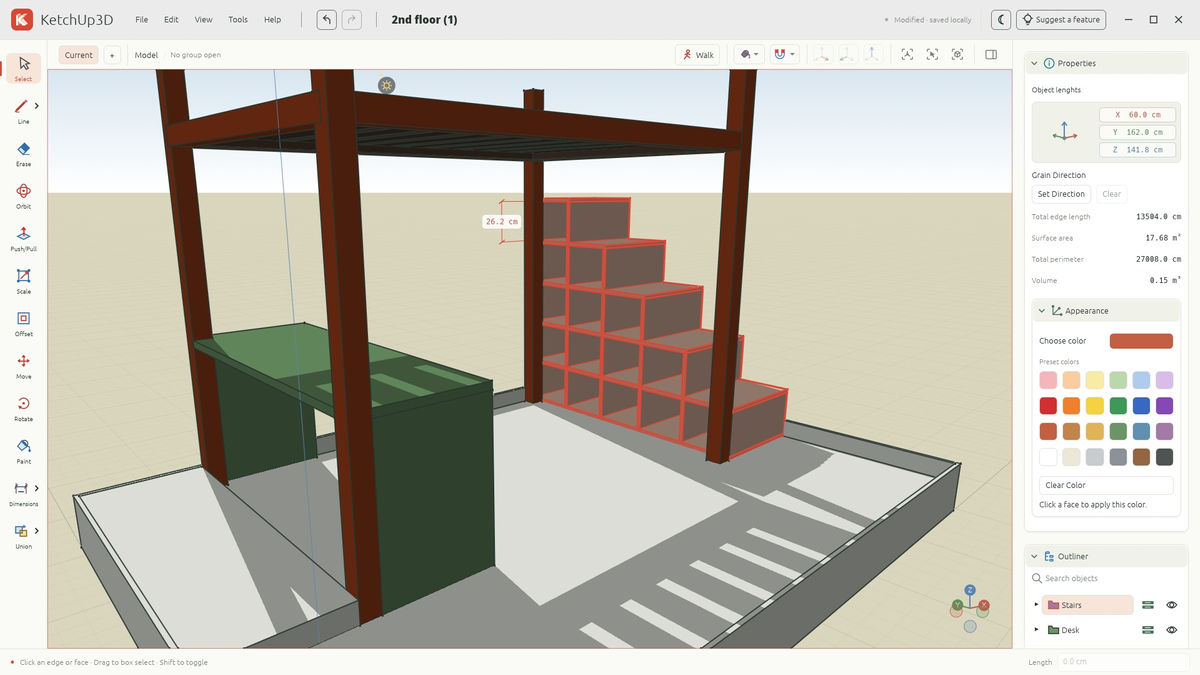
A free, open-source tool called “BenchUp,” which aims to be an alternative to the 3D modeling software “SketchUp,” has been released. It uses the Rust programming language and WebGPU graphics technology, allowing users to create three-dimensional shapes in a web browser. Desktop applications for Windows, macOS, and Linux are also available. BenchUp was initially released under the name “KetchUp,” but the name had been changed by the time this article was written.
BenchUp — Free 3D Woodworking & Furniture Design App
https://benchup3d.github.io/editor/
GitHub - BenchUp3D/editor: Free, open-source 3D woodworking and modeling software and SketchUp alternative. Built with Rust, WebAssembly and WebGPU. Runs in your browser or on desktop. 100% vibe-coded, only the finest slop, with great emphase on rendering speed and UI/UX. · GitHub
https://github.com/BenchUp3D/editor
KetchUp – Open-source SketchUp alternative built with Rust and WebGPU | Hacker News
https://news.ycombinator.com/item?id=50418176
SketchUp is modeling software that enables you to create 3D models of buildings, furniture, and other objects through relatively simple operations. Although a free browser version of SketchUp is available, you must subscribe to a paid plan to use the desktop version. For people who want to use the desktop version for hobby DIY or furniture design, the cost may be a barrier.
BenchUp was developed as a tool for creating 3D models using operations similar to those in SketchUp. It is free to use, its source code is published under the MIT License, and no account registration is required. It is primarily intended for woodworking and furniture design, allowing you to check the shape and dimensions of shelves, tables, and other items in a 3D model before actually making them.
When creating a 3D model, you first draw lines, rectangles, circles, and other shapes to create a flat surface. To give a surface three dimensions, use the “Push/Pull” tool, which adds thickness by allowing you to pull a face with the mouse. The resulting solid can be edited by moving, rotating, scaling, changing colors, and performing other operations.
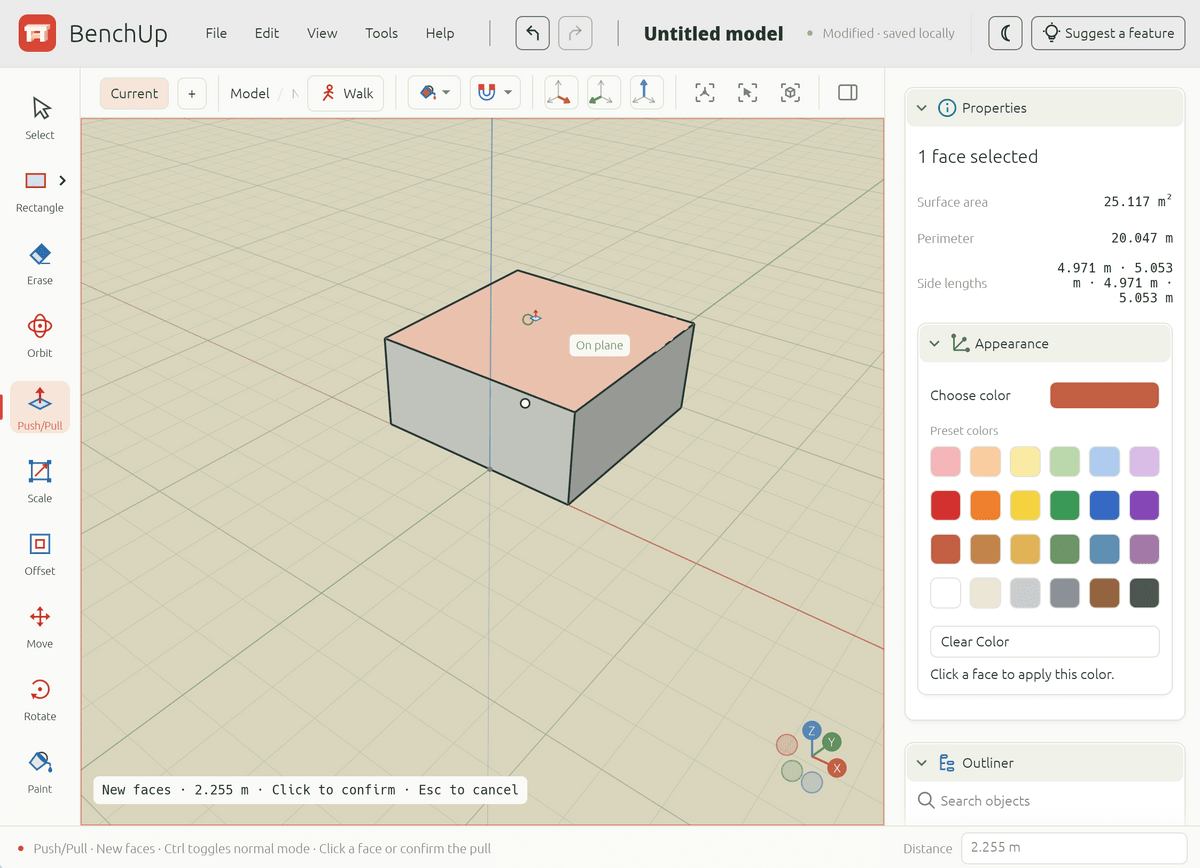
In furniture design, not only appearance but also the dimensions of parts and how they fit together are important. BenchUp includes a feature for specifying lengths numerically and a snapping function that automatically snaps shapes to vertices, edges, and other elements. It also provides a tape measure and dimension-display tools, allowing you to work while checking the sizes of individual parts.
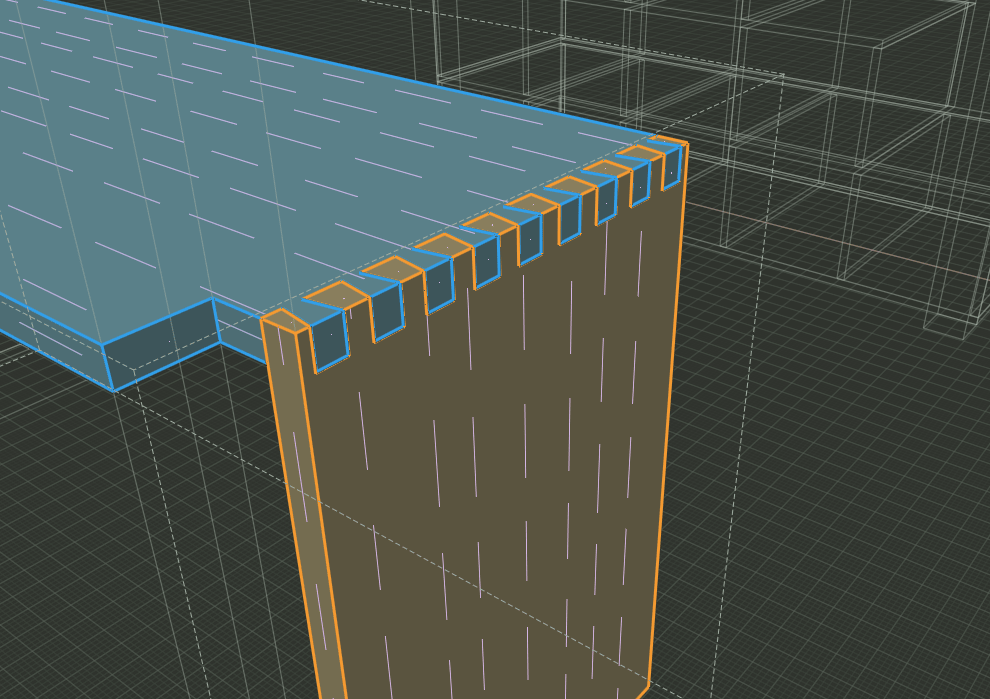
Furthermore, you can group multiple shapes together and manage reusable parts as components.The official GitHub repository introduces features for designing joints used to join pieces of wood, such as mortise-and-tenon and rabbet joints, as well as a feature for creating material cutting plans.
For existing SketchUp users, there is also a feature for importing SketchUp “.skp” files. Created models can also be exported in “.obj,” a common 3D data format. However, some information, such as SketchUp textures and scenes, is not supported during import, and material information is not included when exporting to the OBJ format.
BenchUp is developed in Rust, while its browser version uses WebAssembly to run the program in the browser. It uses WebGPU to leverage the GPU for 3D rendering and also supports WebGL2.
Created data is automatically saved on the local device, and no cloud storage or user account is required. However, deleting the browser’s stored data may cause autosaved models to be lost, so the official website recommends downloading and keeping the project files.

