It feels like since xAI changed to SpaceX Super Intelligence, Musk hasn't made any major moves in AI for a long time.
Just now, Grok Bot 1.0 version was officially released.
"Robots can be shared and are more collaborative and capable than ever before."

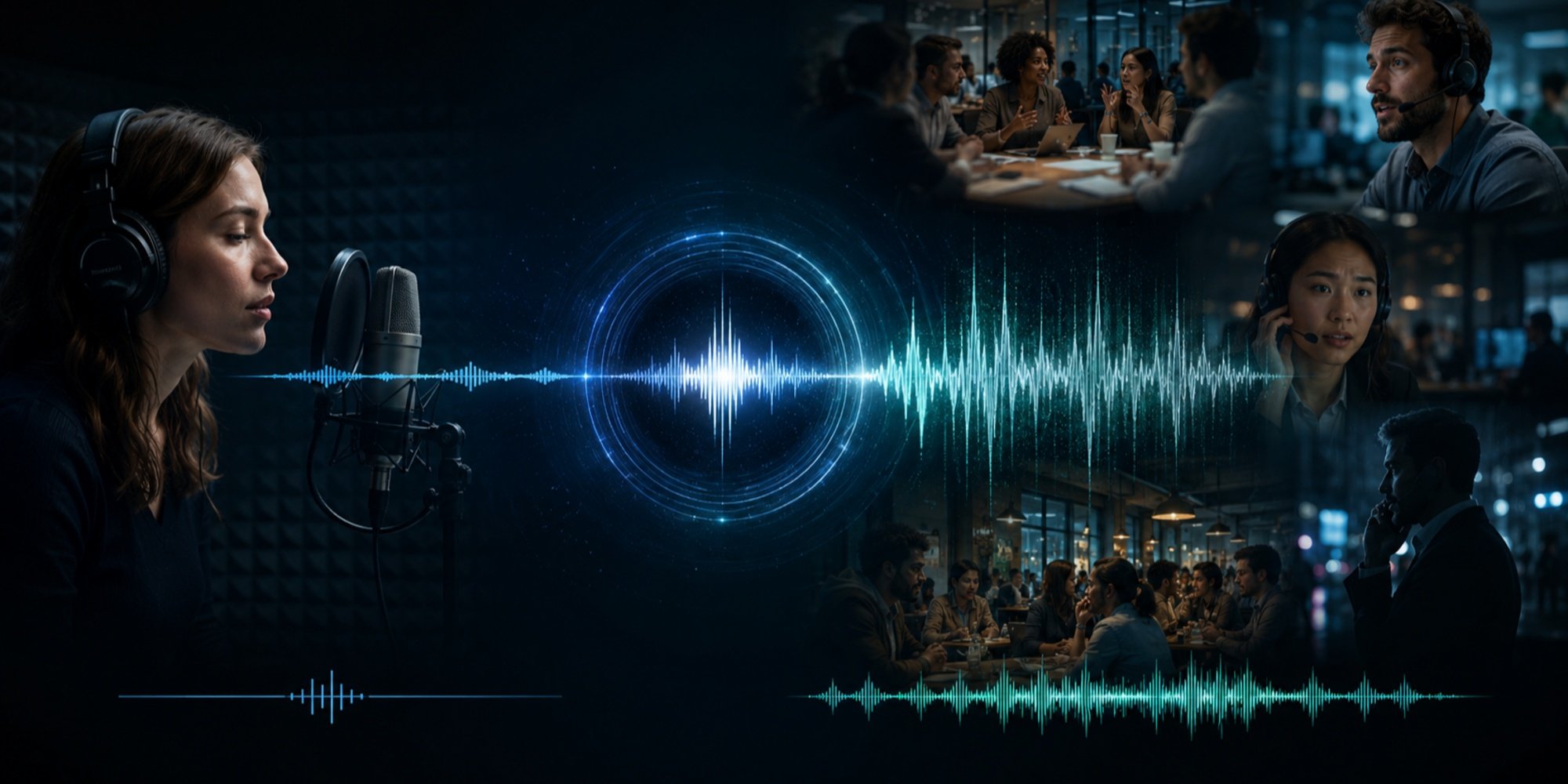
According to SpaceX Super Intelligence, the new version of Grok Bot can be shared by the entire team, can be added to Slack, Microsoft Teams, and video conferences, and will identify who is saying what, which tasks haven't been addressed yet, then actively raise their hand to say "I'll handle this."
In other words, it will work with you as a real colleague, attending meetings and working together. 
Although collaborative AI assistants that act like colleagues are not new, from the promotional video, Grok Bot 1.0 continues Grok's tradition of natural language communication, efficient and natural writing style, especially resembling a real person. It seems you can also create and call other agent Bots, achieving seamless collaboration. Moreover, the image of Grok Bot looks very cute.
Also, from the video, does it look like Musk is going to sell headphones?
Three months, from internal prototype to "official" release
Grok Bot made its first appearance three months ago.
On August 11th this year, xAI first released Grok Bot beta version, positioning it as "an AI teammate that can deliver real work."

It initially was an internal prototype, later became popular within the company, with various teams using it for sales, marketing activities, administrative operations, and bug fixes. The official blog described several internal scenarios: the sales Bot would organize call records into CRM and draft follow-up emails, the operations Bot would assign workstations to new employees and process invoices received in Gmail, the engineering Bot could reproduce bugs in the product interface, submit service tickets, and then hand over the repair tasks to a Bot specialized in debugging.
At that time, the biggest selling point of Grok Bot was each Bot has its own cloud computer .
This means it can log into various tools like a human, switch between web pages and applications, even if a platform doesn't have a clean API or MCP interface, it can still complete tasks directly on the interface. You can close your computer to eat, and it can continue working.
The beta version was initially open to SuperGrok series subscribers and paid users such as Cursor Pro, Ultra, Teams, etc. However, the beta Bot is essentially still a "personal assistant," serving the person who created it.
What's new in Grok Bot 1.0?
The upgrade of Grok Bot 1.0 has three keywords: multi-person collaboration, proactive engagement, and enhanced capabilities. Let's look at them one by one.
Multi-person collaboration: one Bot, shared by the whole team
The most core change this time is Team Bots .
Previously, a Bot only recognized one owner, but now everyone in the team can collaborate with the same Bot. The sharing method is more flexible, you can share it with specific people or groups, or directly add it to Slack or Microsoft Teams.
More interestingly, its learning method. As it interacts with different people, the Bot gradually understands what the team is doing, what each person is responsible for, and their individual preferences, becoming more useful to everyone.
In multi-person conversations, the Bot can keep up with discussions between several people, figure out who is involved and what each is saying, then provide information at the right time or proactively offer to take over a task.
In addition, the Bot can also join video conferences. It participates in discussions via the meeting chat box, bringing in relevant information from previous conversations while noting the decisions made during the meeting.
Taking the Initiative: No need to assign tasks, find work on your own.
If sharing addresses 'who can use it,' then proactivity addresses 'when to use it.'
The 1.0 Bot can continuously monitor ongoing projects, identify areas needing attention, and based on its understanding of team goals, processes, and priorities, suggest the next steps.
For example, in a product release scenario. When Bot notices a deadline is approaching, it will prepare the materials the team needs in advance. It will also track unfinished tasks, coordinate with other Bots, and bring in relevant people when decisions require human judgment.
We know that the beta version of Grok Bot is a way to 'delegate work to AI teammates,' but by 1.0, these teammates can understand what the team is doing and who is doing it, allowing them to contribute proactively like other colleagues.proactively contribute.
The More You Use, the More It Understands: Teaching one person benefits the whole team.
Team Bot continuously accumulates understanding of the team through work. It remembers each person's habits and past decisions, and also absorbs the professional expertise of different team members.absorb different members' professional experience.
There's a very practical design here. When someone teaches Bot a better way to do things, this improvement benefits everyone who uses it. Bot will also, based on what it has learned from the team, suggest adjustments to its own work methods.
Security is a natural concern when putting AI into public channels. To address this, xAI added several protections:
Respecting Permissions: Bot adheres to each person's individual access permissions.
Sensitive Operations Require Approval: Before executing sensitive operations, Bot will seek consent first.
Gatekeeping Before Public Sharing: Before sharing information in public channels, Bot will assess whether the information is suitable for public disclosure.
xAI means that with these protections, the team can entrust Bot with more responsibilities while still maintaining control over what it can see and do.
Enhanced Capabilities: Faster, More Stable, More Efficient
In addition to changes in collaboration methods, Bot's own capabilities have also undergone an upgrade. Compared to the beta version, the main improvements include:
more stable browser operations : more reliable website browsing, smoother login process, and fewer task interruptions
better documents and presentations : higher quality in written documents and PPTs, and can generate interactive Pages, allowing teams to collaborate on editing and enabling the Bot to continuously update
stronger cross-application capabilities : improved connections with tools like Gmail, Google Calendar, and GitHub, enabling direct completion of more tasks
smarter approvals : the Bot is clearer on which operations you have already authorized and which still require confirmation, minimizing disturbances while protecting sensitive information
added settings and data analysis : administrators can manage the knowledge the Team Bot has mastered and also see how the team uses it
XAI also mentioned that the new version requires fewer resources to complete tasks and is more efficient.
Turning AI into a colleague in the workplace is no longer a new concept
Early AI products focused on individual efficiency, involving one person, one conversation, and one task. Now, more and more vendors are shifting their focus to teams, as AI needs to handle multiple people, multiple tools, and ongoing projects.
Bringing AI into work groups as a colleague is something domestic collaboration platforms have already been doing.
For example, "Doubao Work Partner" follows a similar approach, positioning itself as an intelligent agent building and collaboration platform. The work partners used by teams can be directly added to work groups, sharing the group's context for all members to use; it can connect to messaging, documents, meetings, tasks, and business systems within the user's permissions, actively helping to advance work.
Feishu's "Work Squad" allows multiple work partners to form a squad, with one serving as the team leader responsible for receiving tasks, breaking down work, assigning members, and delivering results. Collaboration methods are also made into templates, including routing, expert consultation, roundtable discussions, relay, production review, and red-blue confrontation, totaling eight types. The scenario of "one Bot working with another Bot" in Grok Bot 1.0 has been productized into a standard process here.
Qianwen Office officially launched in August this year, deeply integrated into the DingTalk ecosystem, and can be directly invoked from the DingTalk workbench. Each space is paired with a digital employee named Xiao Q, linked to DingTalk group chats, documents, tables, etc., as shared context, allowing team members to directly assign tasks to it through IM. Grok Bot follows a similar approach.
The approaches of several products are highly similar. Sharing with the team, integrating with real work software, long-term memory, permission alignment, and actively advancing tasks have almost become the standard features for "AI colleague" products.
Feishu and DingTalk themselves are platforms for team work, with chat records, documents, and approval flows all existing on the same platform. Grok Bot does not have its own office platform and can only bring a cloud computer to Slack, Microsoft Teams, and video conferences to "work on-site." The advantage is that it doesn't depend on specific platforms and can go wherever there's work; the cost is that understanding the team's context requires accumulating through repeated conversations.
Grok Bot 1.0 is now available , allowing users to create their own Bot, share it with the team, or invite it to Slack, Microsoft Teams, and video conferences. Currently the desktop version provides macOS download . Specifically, the permissions for
are available forTeam and Enterprise plans; meeting features are available for Team, Enterprise, and Ultra plans , and enterprise administrators need to manually enable them in the settings.
Interested readers can try it out, and welcome to share your experience in the comments section.