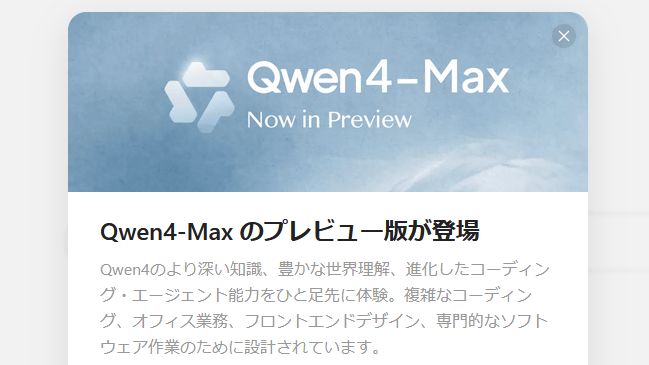
Alibaba, a major Chinese technology company, released “Qwen4-Max-Preview” as a preview version of the Qwen4 series. Since it was available even on the free plan, I tried making a game with it.
Qwen4 is coming.
— Qwen (@Alibaba_Qwen) November 11, 2026
Deeper knowledge. Richer world understanding. Stronger coding and agentic capabilities.
Built for real-world tasks — from complex coding and knowledge work to front-end builds and professional software workflows.
Qwen4-Max is now in preview on Alibaba’s Token… pic.twitter.com/3itCIgVAeE
Qwen4-Max-Preview is available through Qwen’s chat service. You can access the chat service using the link below.
Qwen
https://chat.qwen.ai/
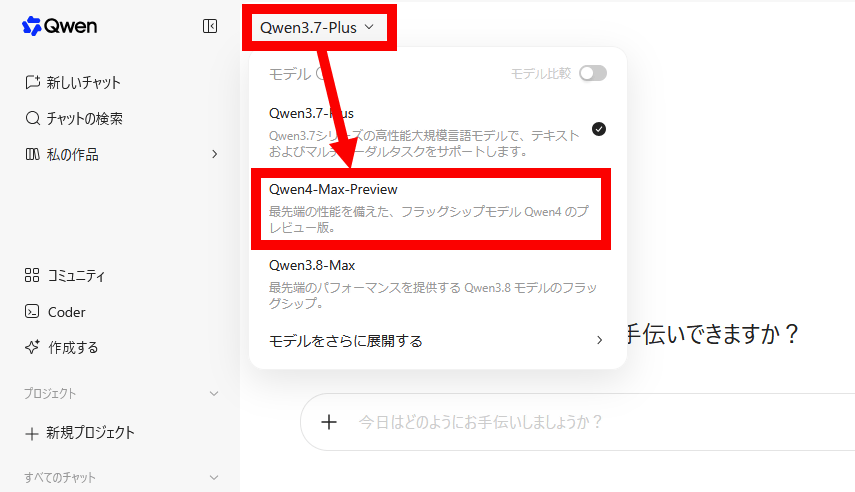
After signing in to the chat service, select “Qwen4-Max-Preview” in the model selection menu in the upper-left corner of the screen.
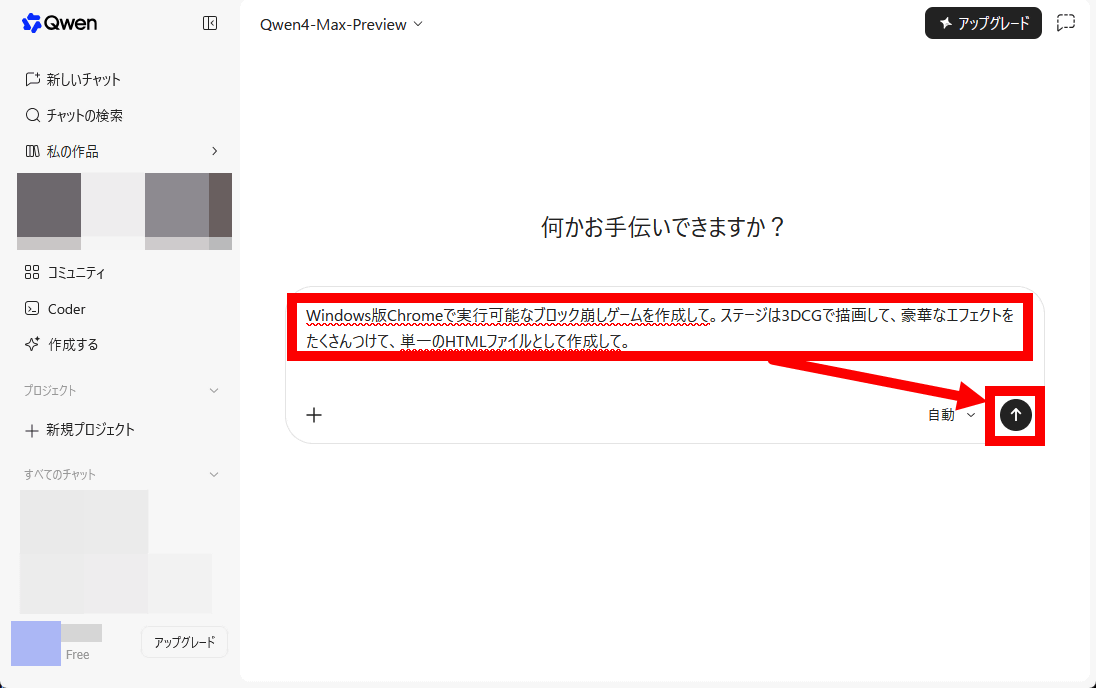
This time, I’m going to make a lavish Breakout game that runs in a browser. Enter the following in the input field and send it: “Create a Breakout game that can run in Chrome for Windows. Render the stage in 3DCG, add plenty of lavish effects, and create it as a single HTML file.”
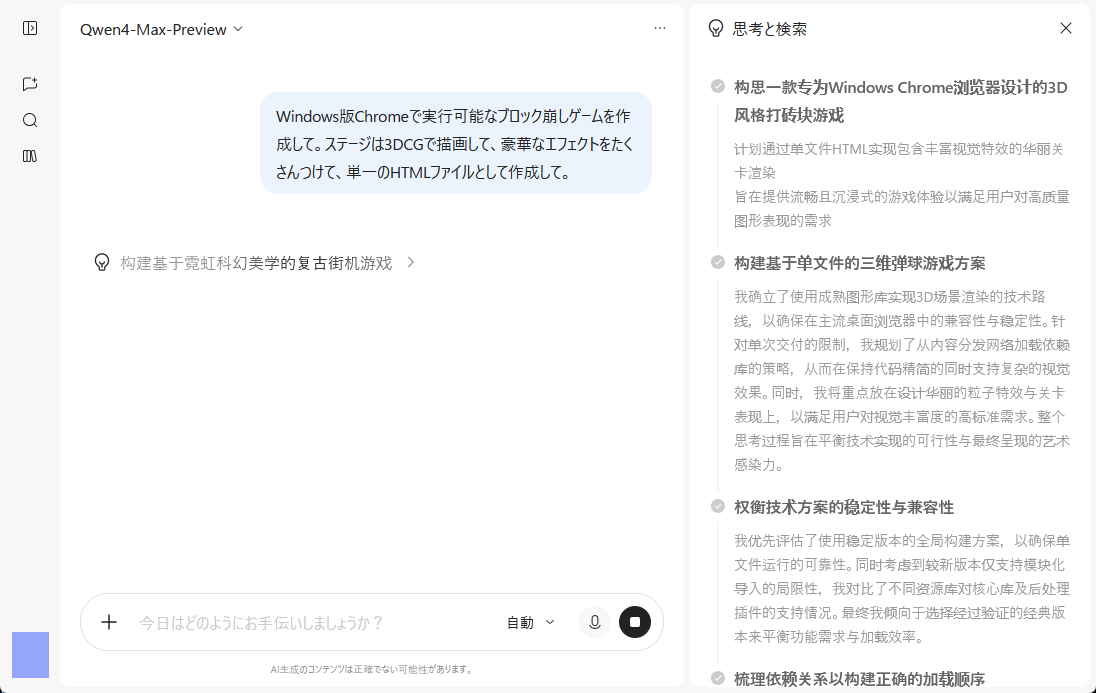
The reasoning is being carried out in Chinese.
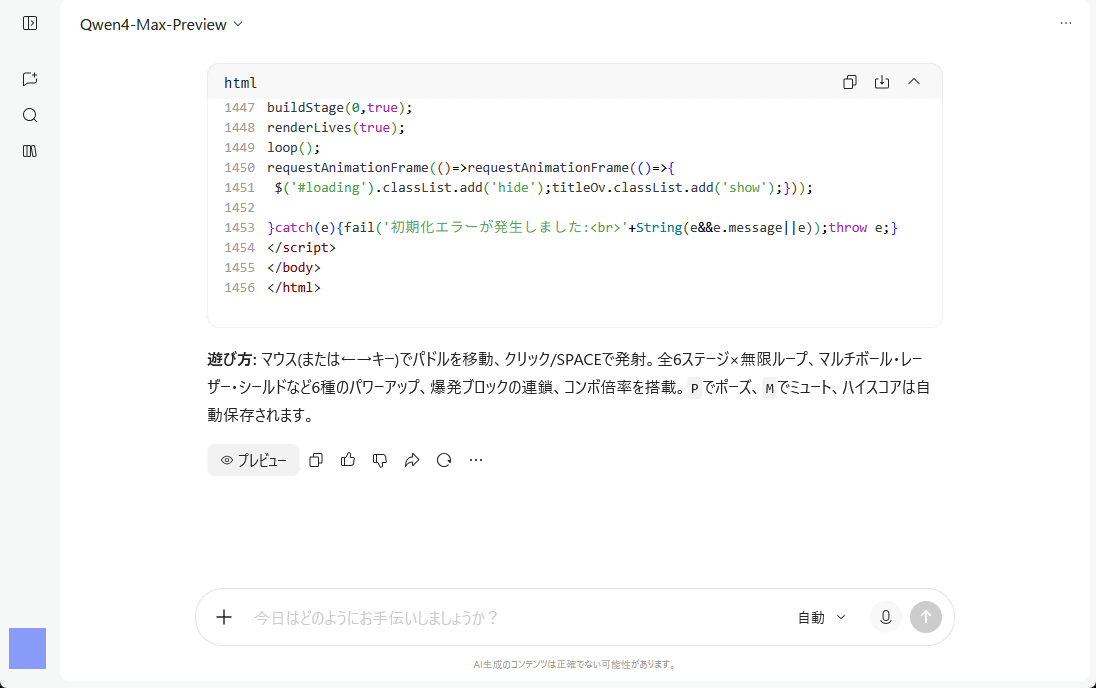
It generated a 1,456-line HTML file in about 20 minutes.
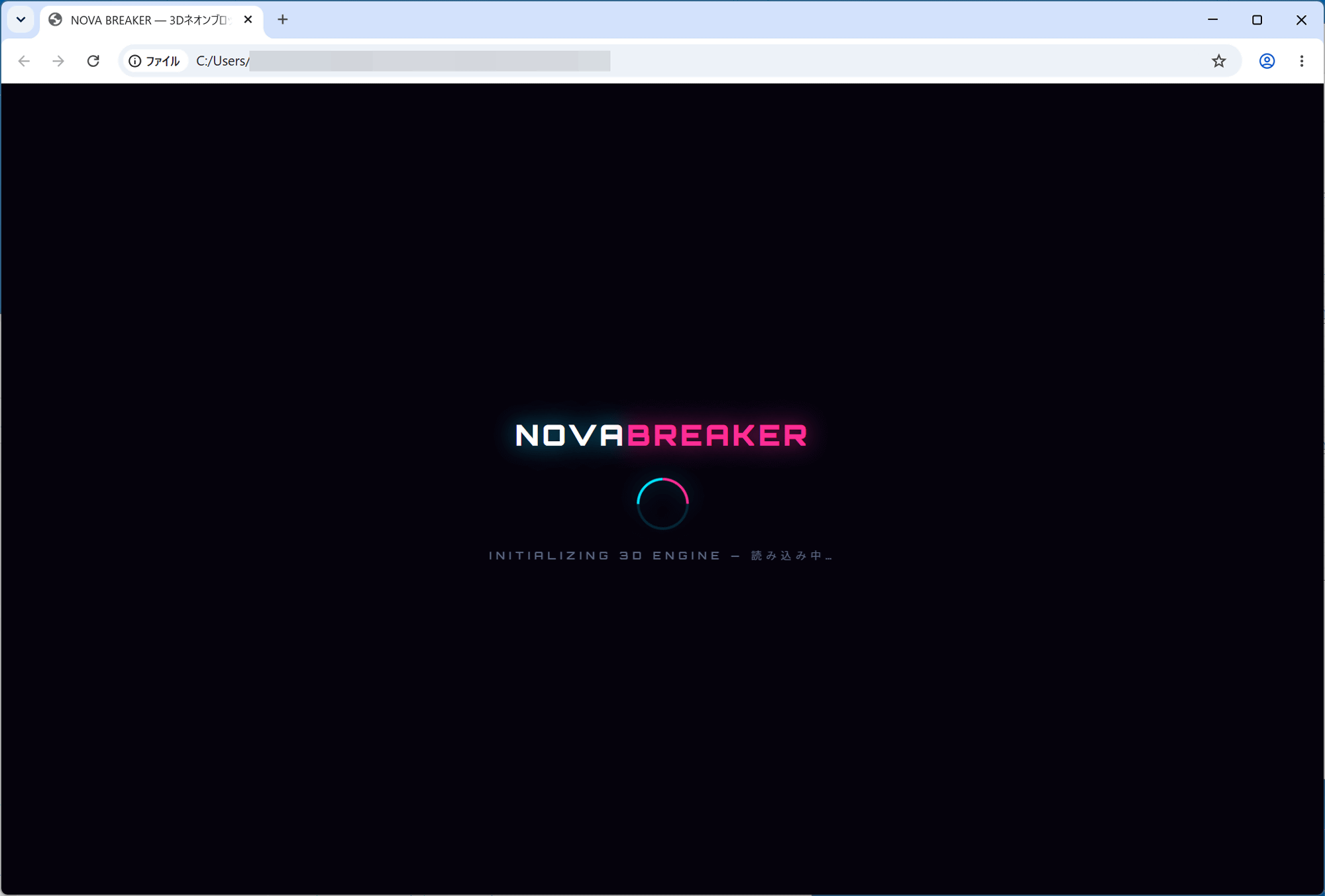
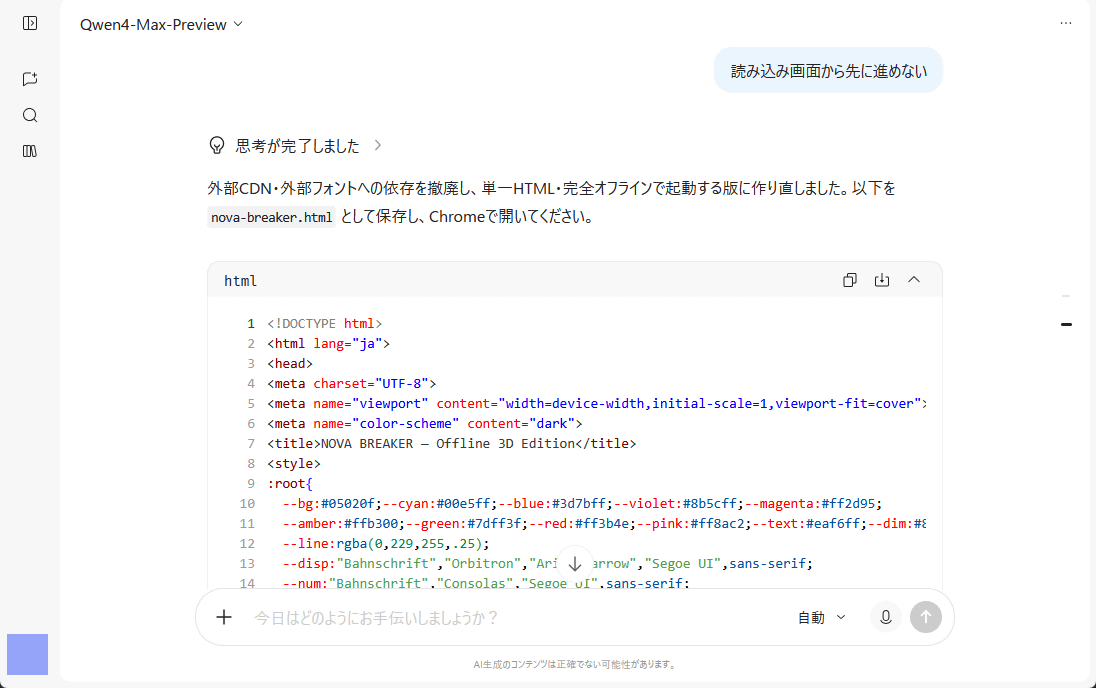
I tried loading the HTML file in Chrome, but I couldn’t get past the loading screen.
I returned to the chat and explained that I couldn’t get past the loading screen, and it generated a corrected version of the HTML file.
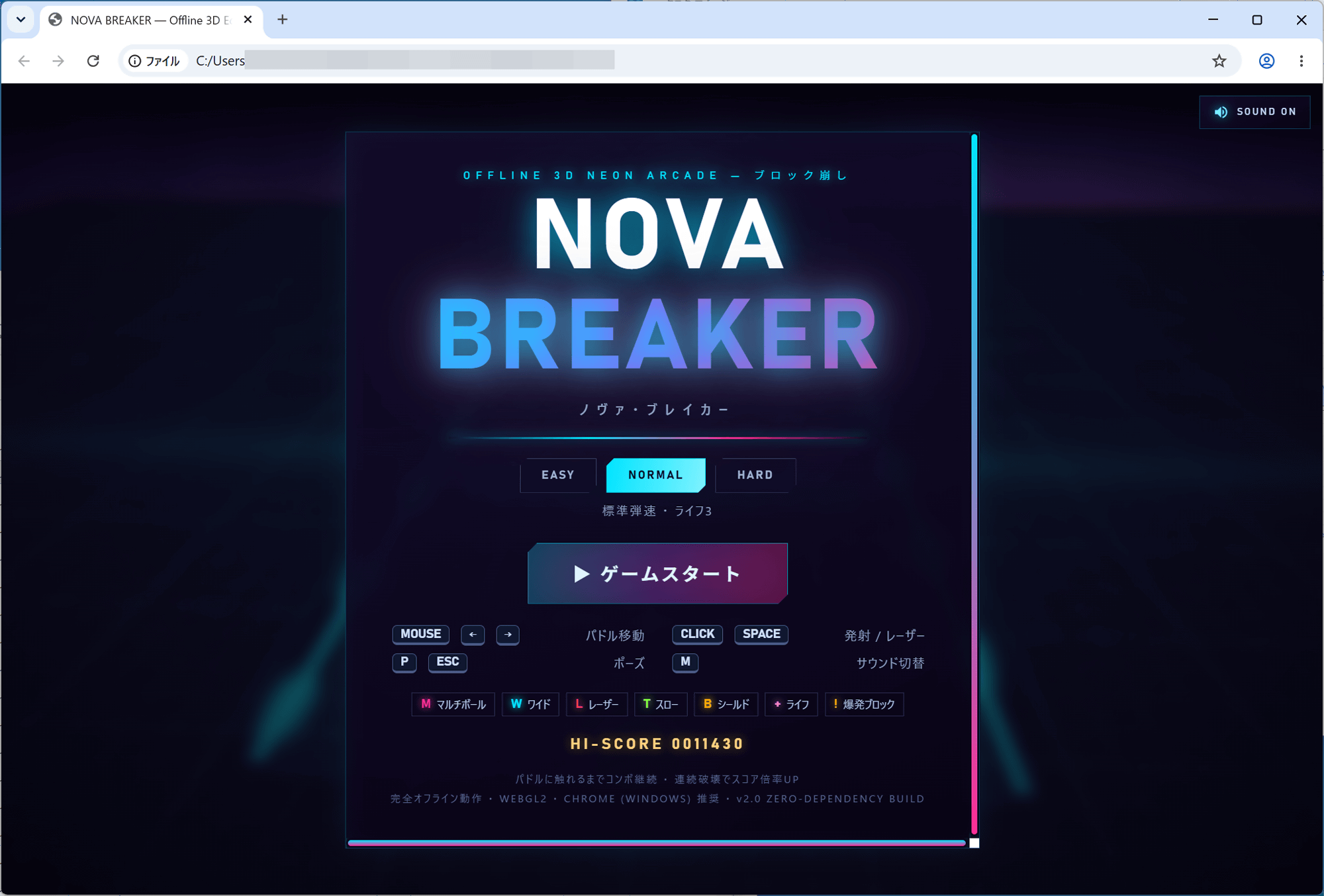
This time, the title screen of the Breakout game appeared properly.
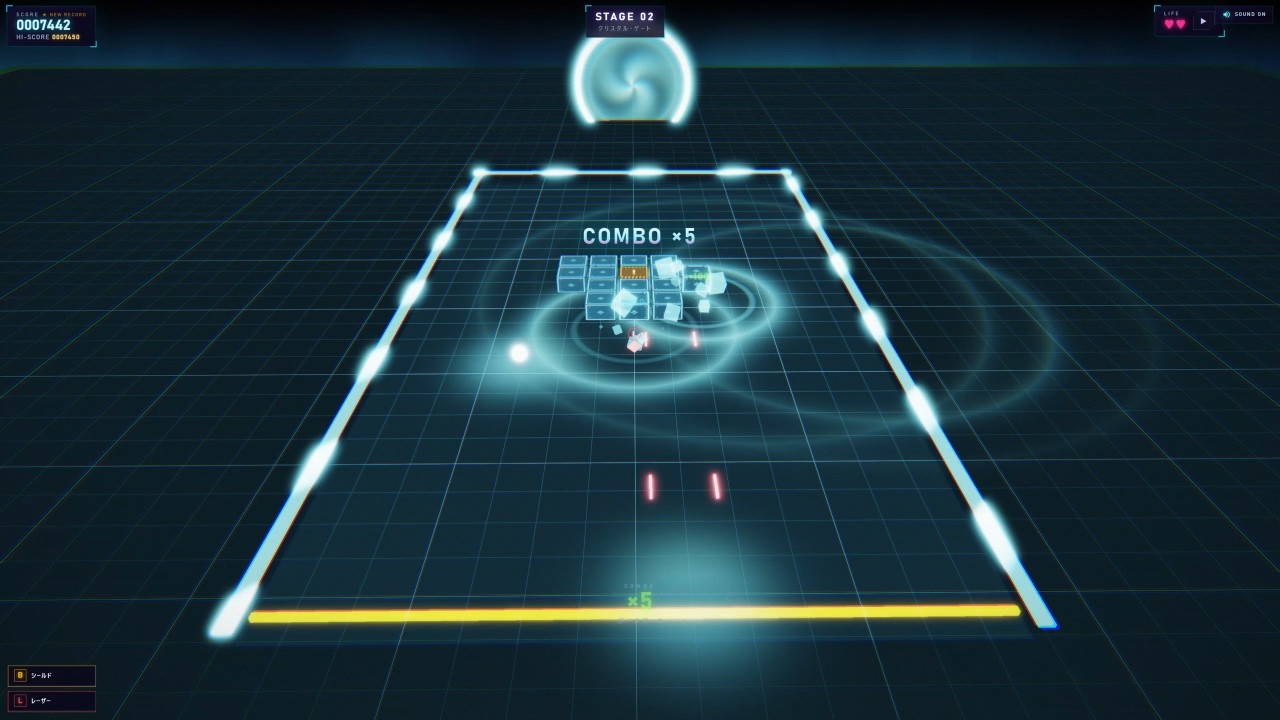
Below is a recording of me actually playing the Breakout game.I only gave one vague instruction—“Add lots of flashy effects”—and a single follow-up correction, but it turned into a properly playable, effects-packed brick-breaking game. The more you continue the conversation, the more it seems to improve.
The Brick-Breaking Game I Got Qwen4-Max-Preview to Make - YouTube
Qwen4-Max-Preview is also available through Alibaba’s subscription-based API service, “Token Plan.”
Token Plan | QwenCloud
https://www.qwencloud.com/pricing/token-plan