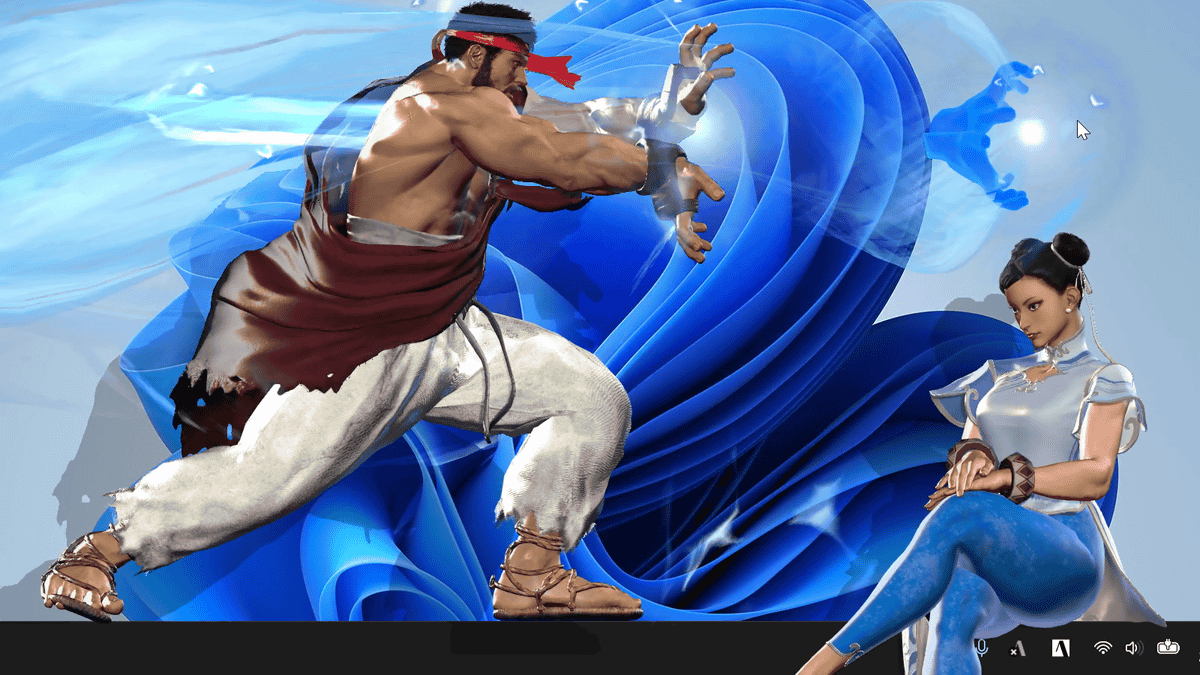
DLC featuring “Ryu” and “Chun-Li” from Street Fighter 6 has been released for Desktop Mate, which can display a character’s 3D model on a PC screen. Apparently, you can even blow windows away with special moves, so I downloaded it and tried it out.
Steam: Desktop Mate Street Fighter 6 Ryu DLC
https://store.steampowered.com/app/5451200/
Steam: Desktop Mate Street Fighter 6 Chun-Li DLC
https://store.steampowered.com/app/5451210/
You can see the voice lines and motions for “Desktop Mate Street Fighter 6 Ryu DLC” in the video below.
Ryu from Street Fighter 6 Appears on a PC Screen and Blows Away Windows with True Shinku Hadoken [Desktop Mate] - YouTube
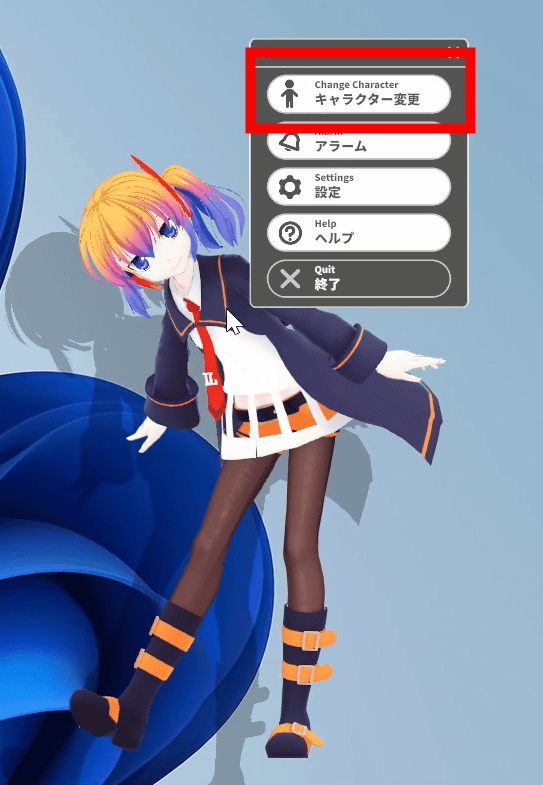
Launch Desktop Mate, then click “Change Character” from the right-click menu.
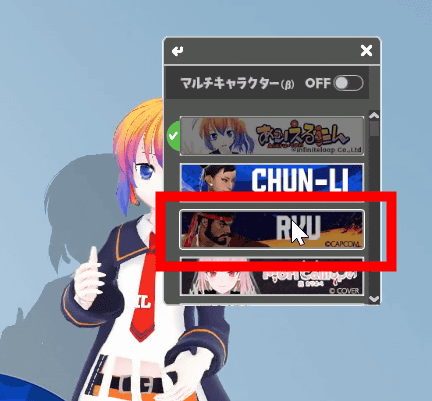
Click “RYU.”
Ryu has appeared.
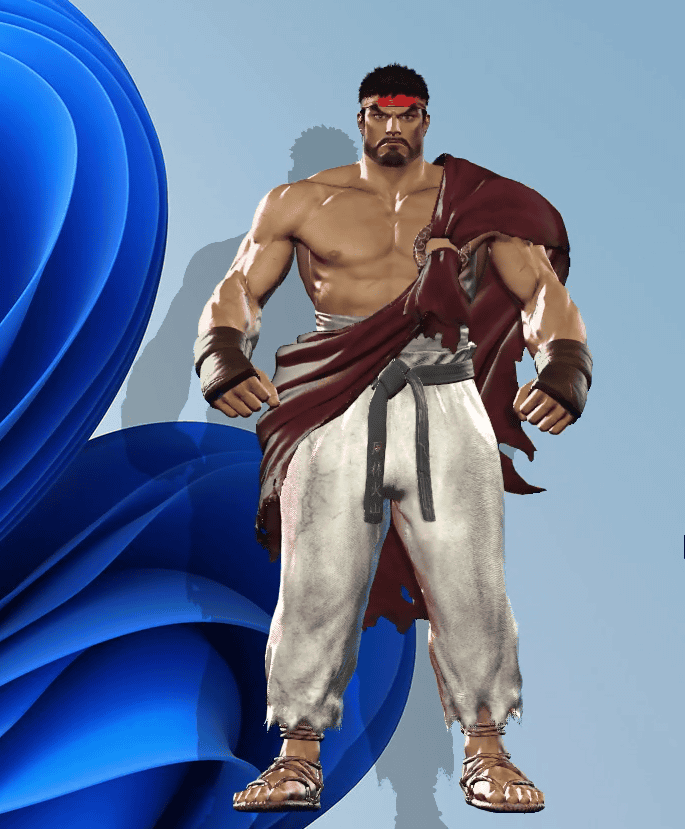
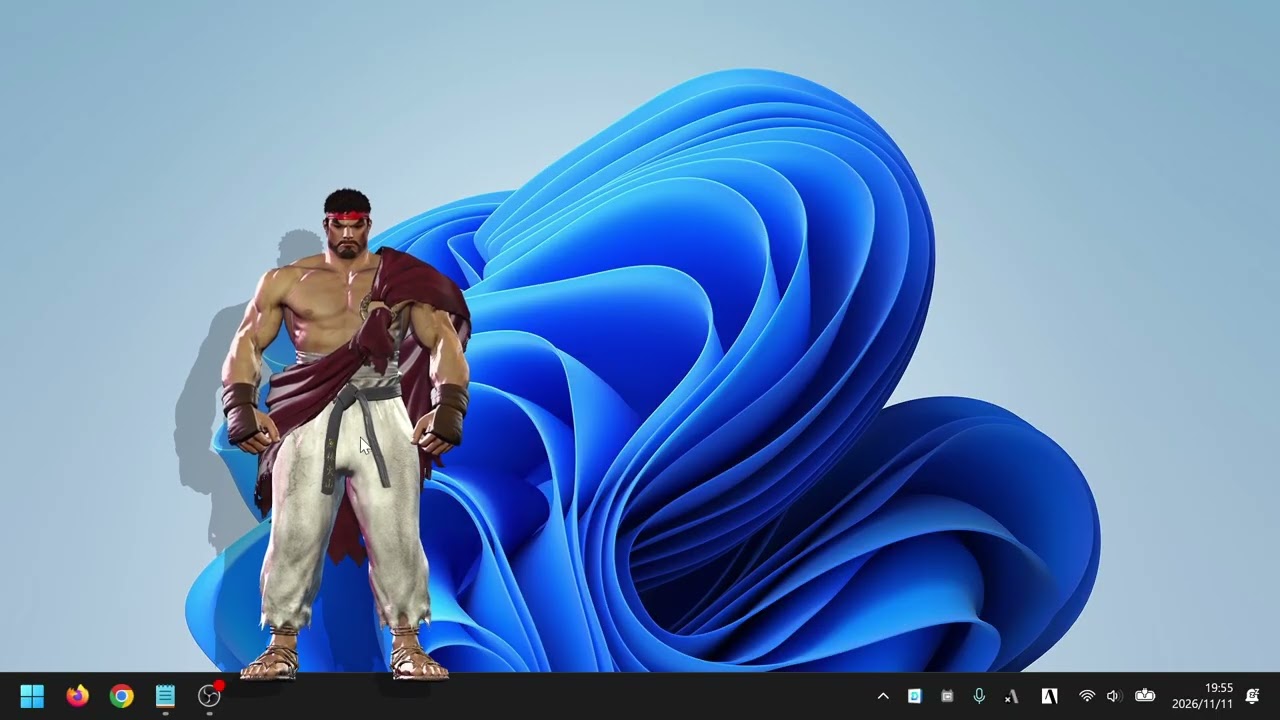
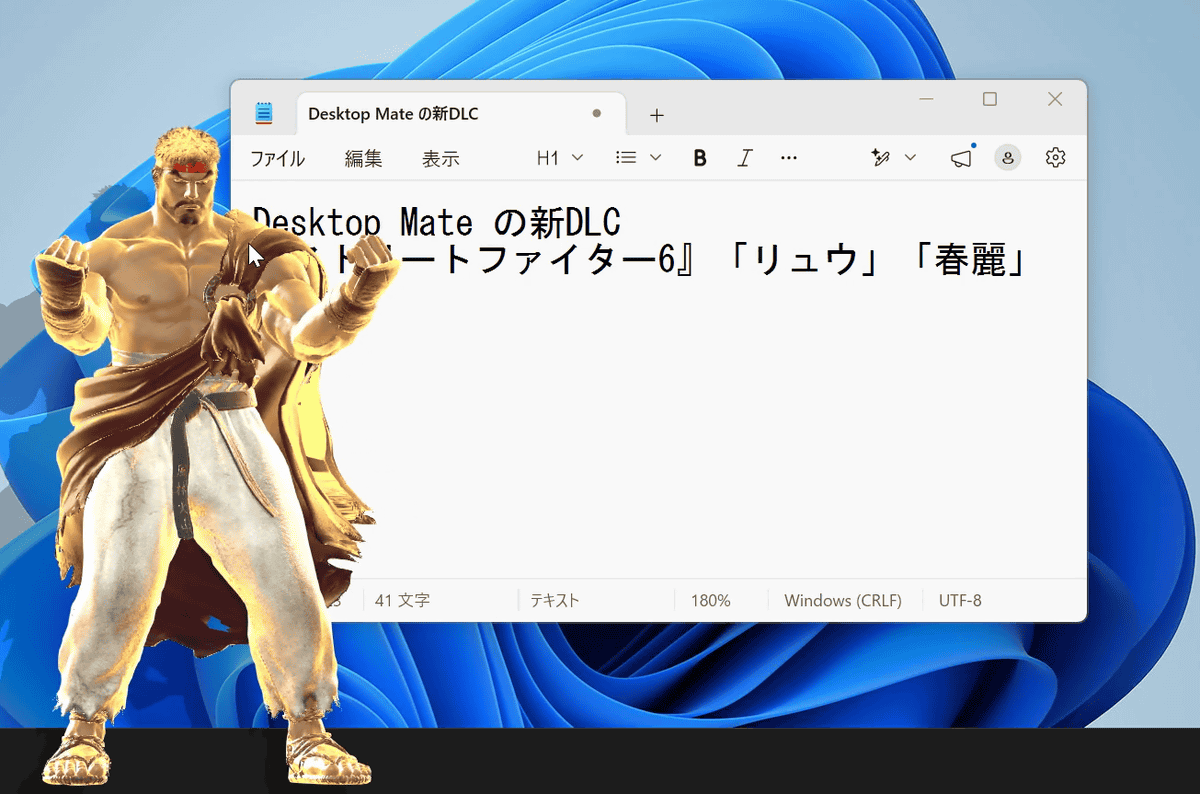
This is what his standing pose looks like. Clicking him also plays his voice.
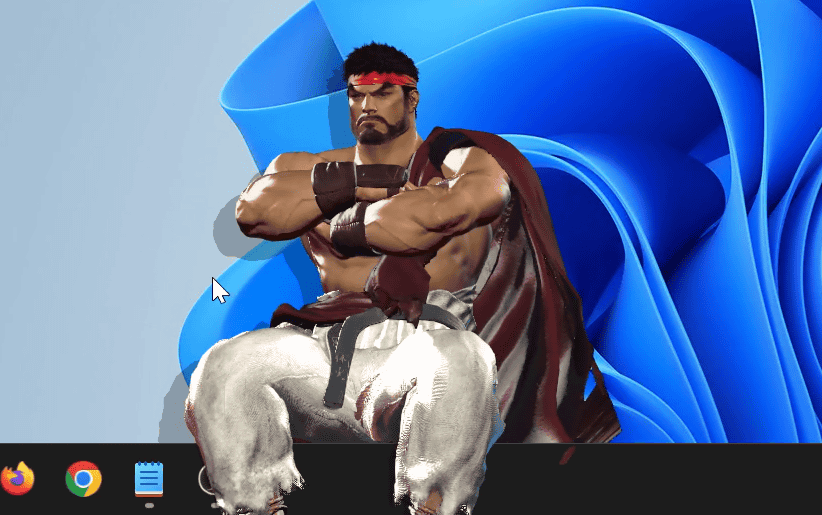
When seated on the taskbar, he looks like this.
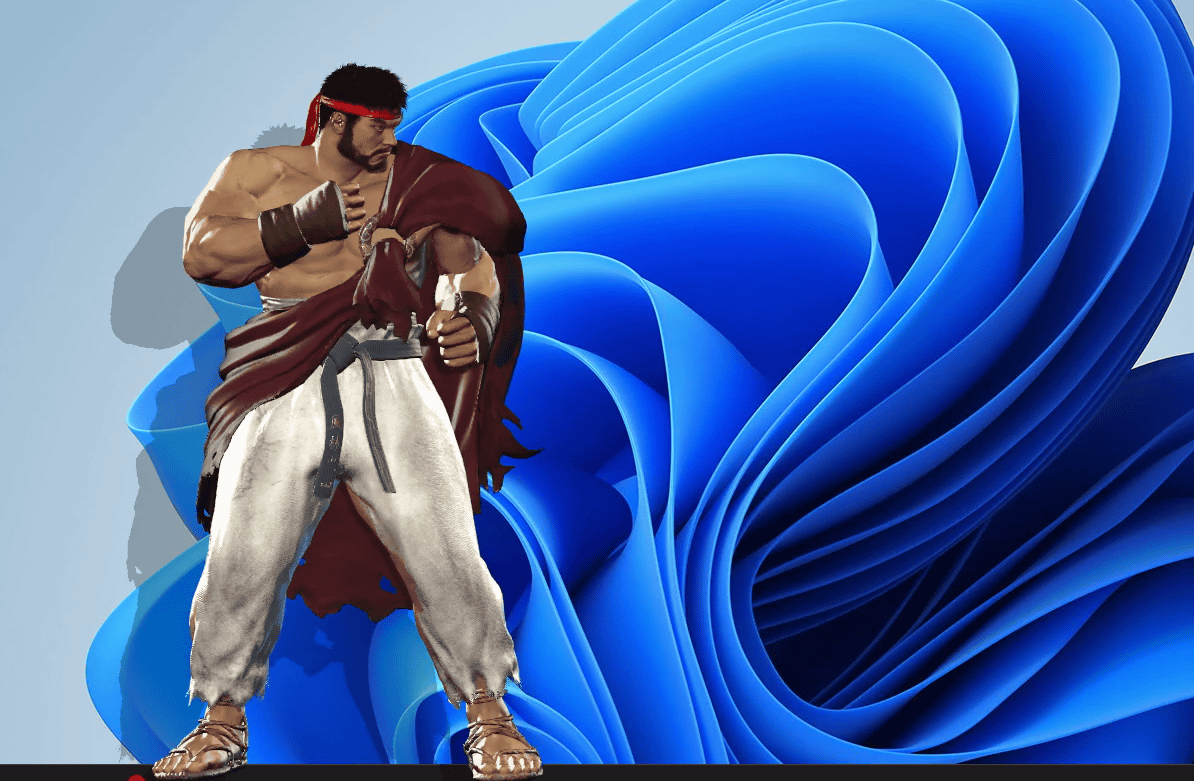
You can move him by dragging him.
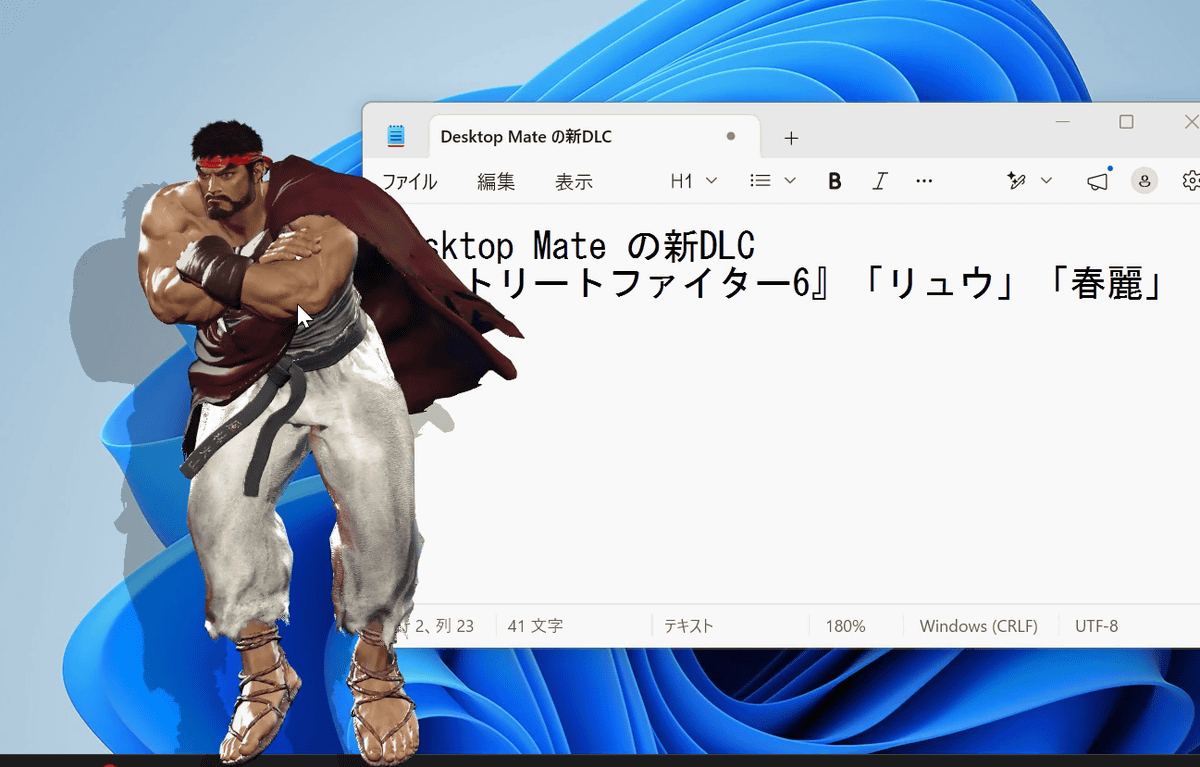
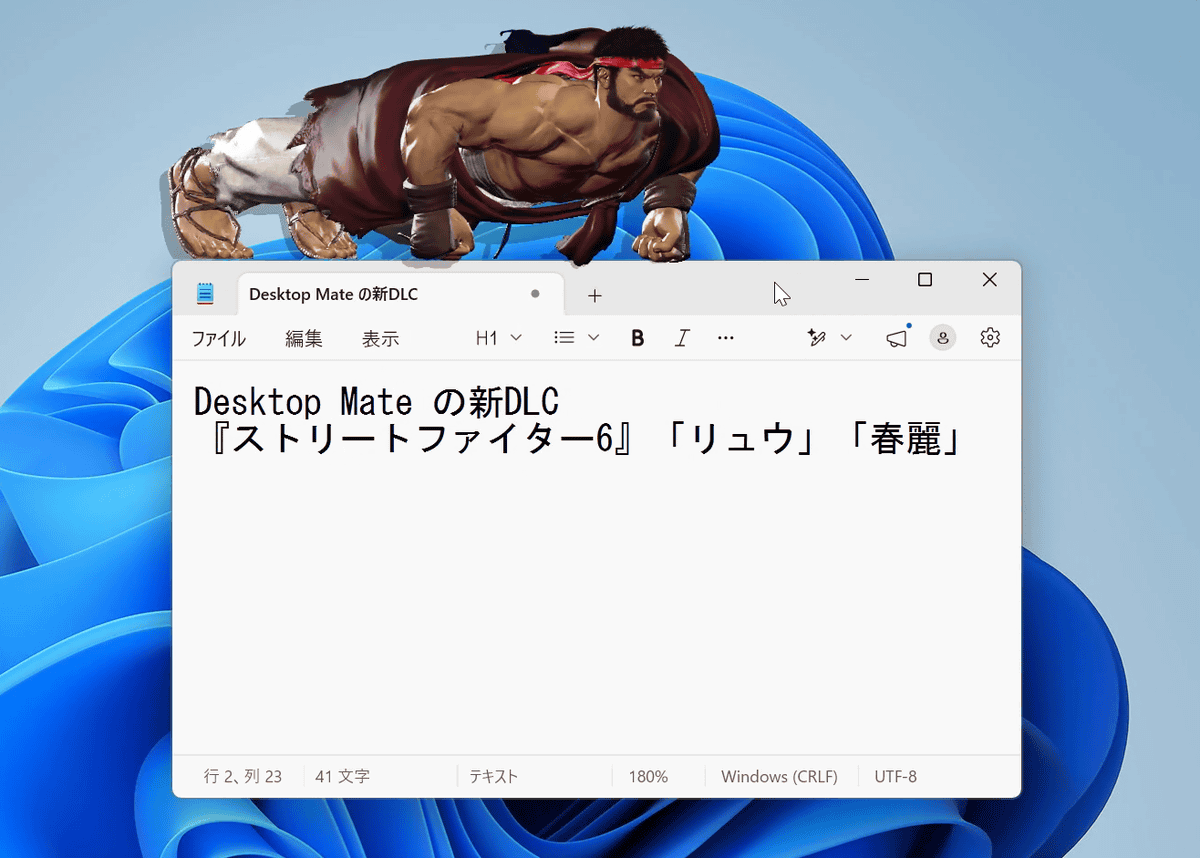
When placed on top of a window, he does push-ups as training.
Also, a normal click gives you simple motions and voice lines just like the other DLCs, but one feature of “Desktop Mate Street Fighter 6” is that rapidly clicking lets you unleash “Super Arts.”
The windows were caught up in the Super Arts and blown away as well.
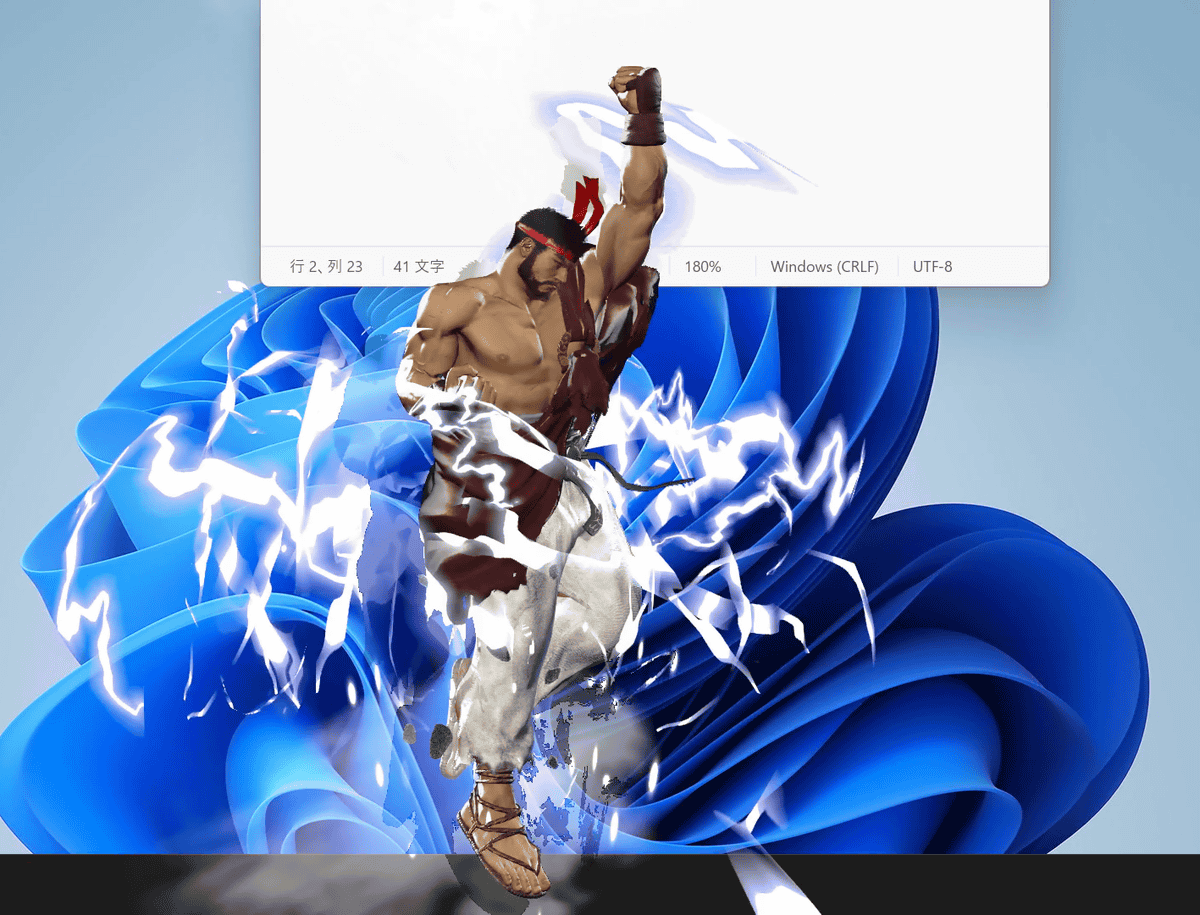
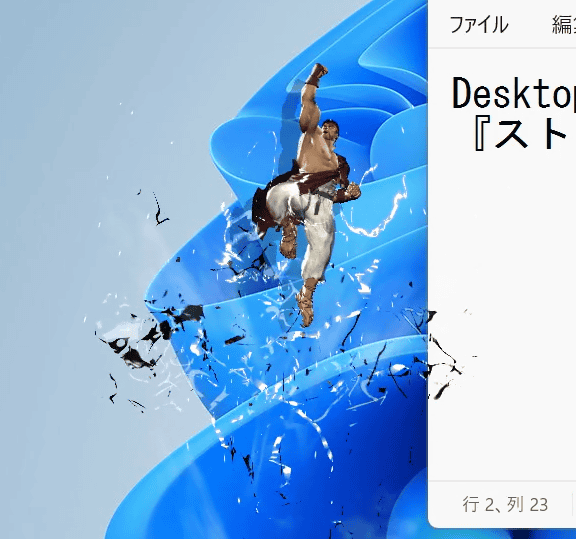
When Ryu is too large, he flies off the screen, so making him smaller lets you watch the move all the way through to the finish.
You can also set an “alarm.”When the set time arrives, Ryu appears large, filling the screen, and tells you the time.
Ryu announces the time with an alarm【Desktop Mate】 - YouTube
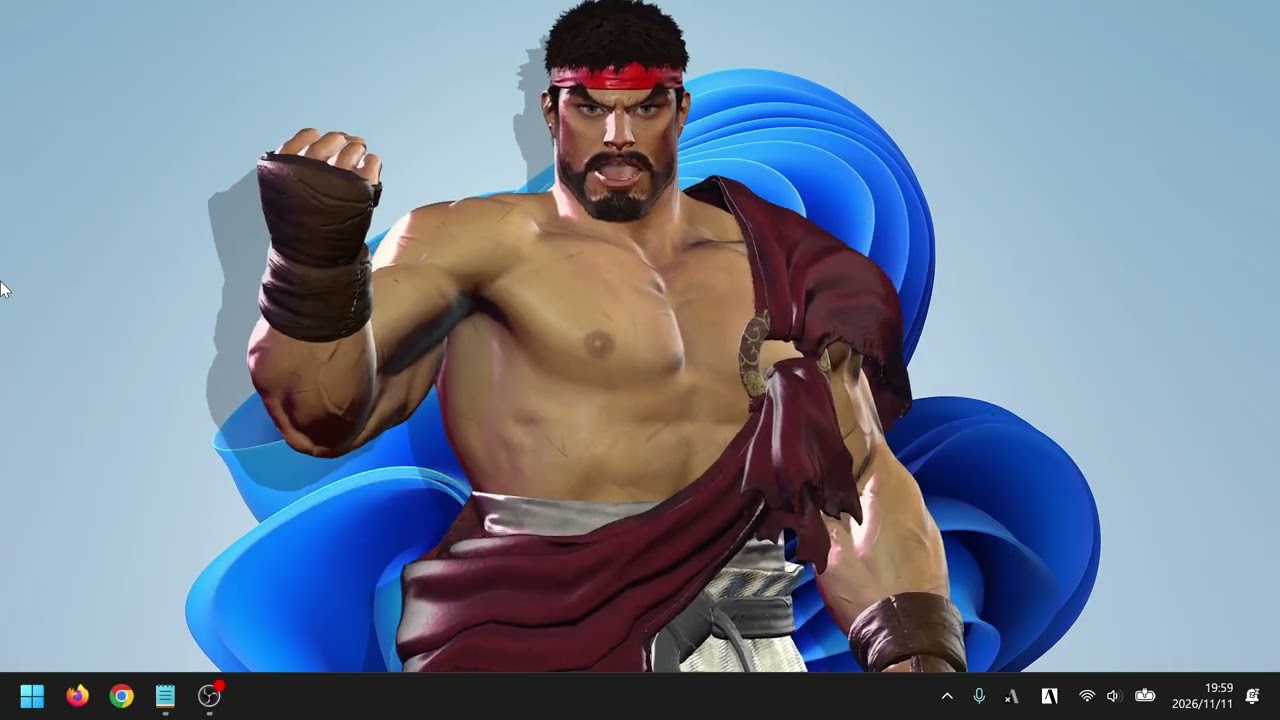
Next, we’ll summon Chun-Li as well. Select “CHUN-LI” from Character Change.
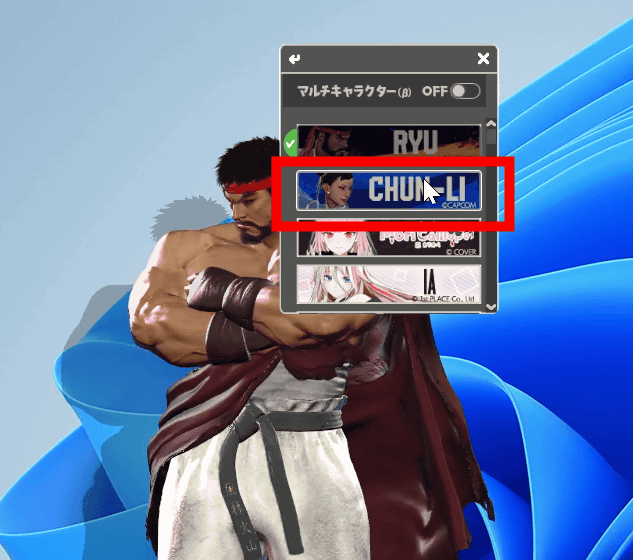
Chun-Li has appeared on the PC screen.

The motion when clicked looks something like this.
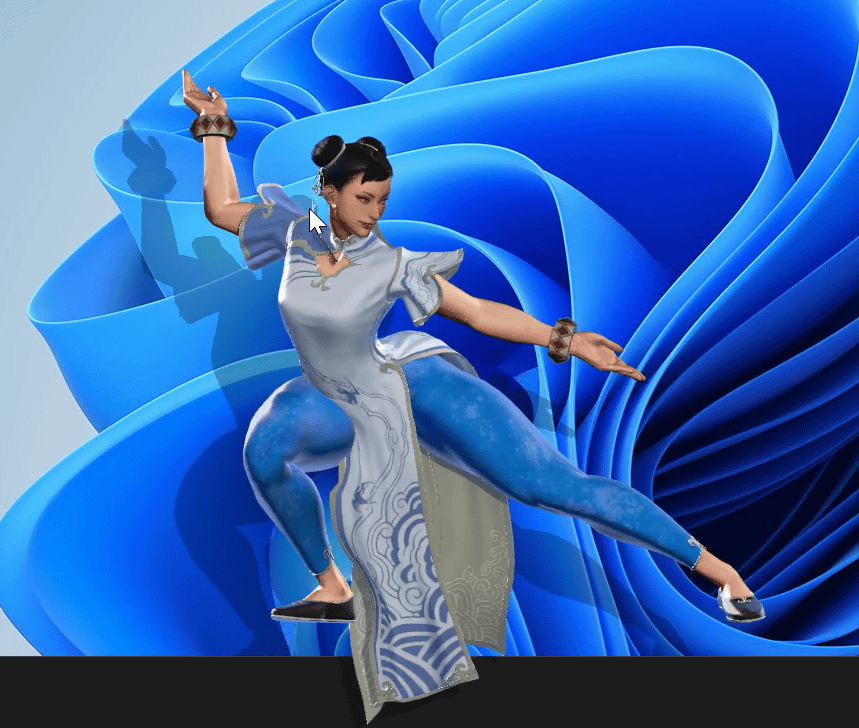
You can move them by dragging them.

When seated on the taskbar, they show you things like stretching.
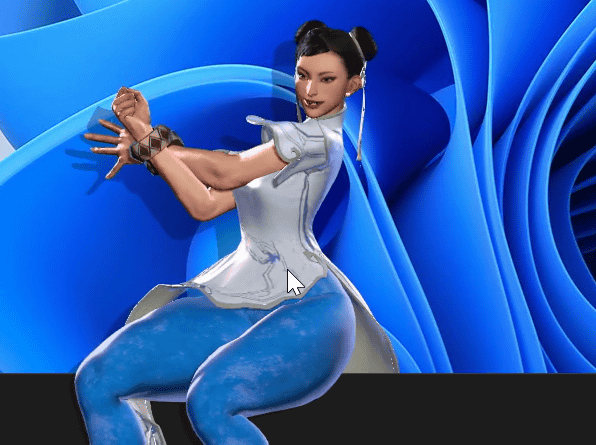
When placed on top of a window, it looks like this.
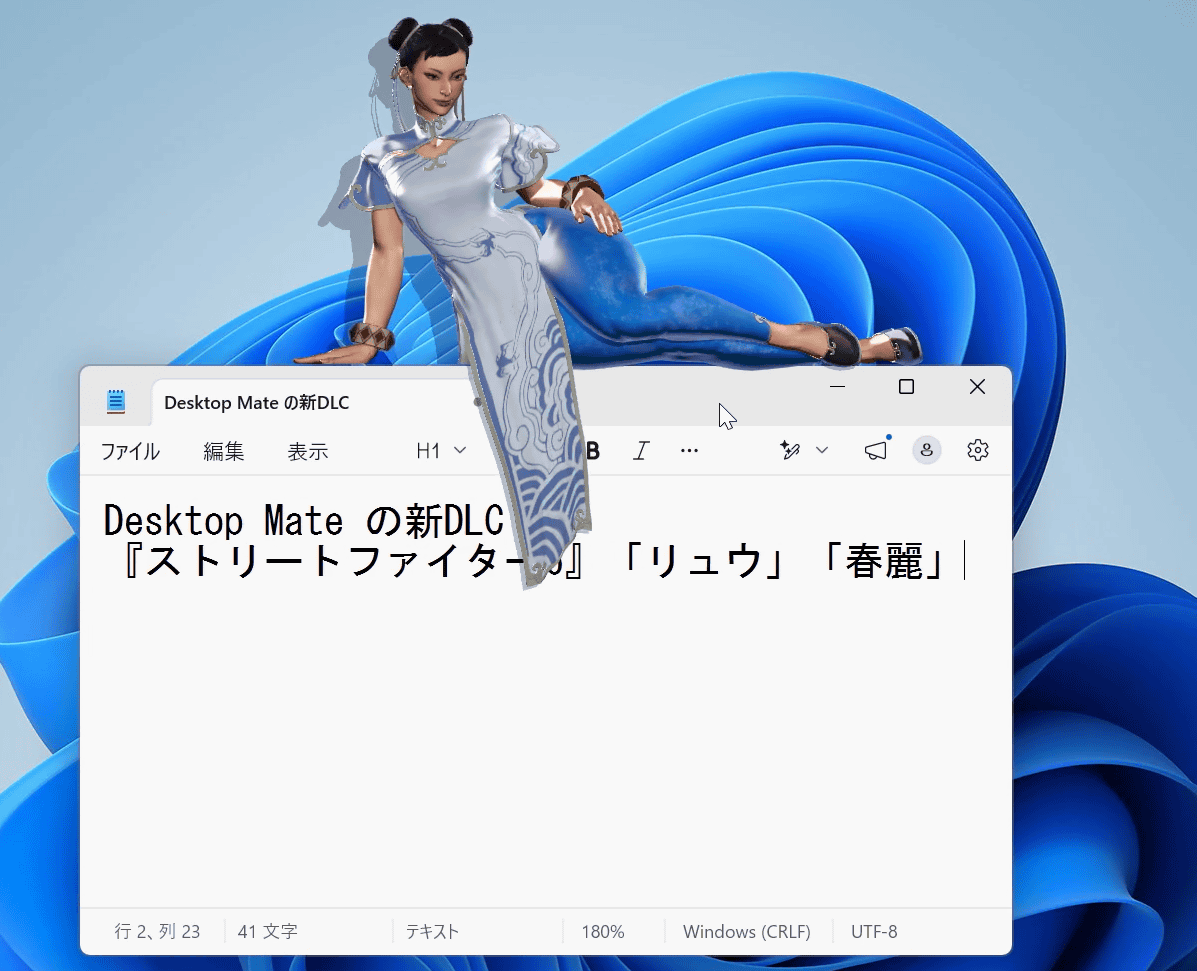
Chun-Li also performs moves by rapidly clicking.
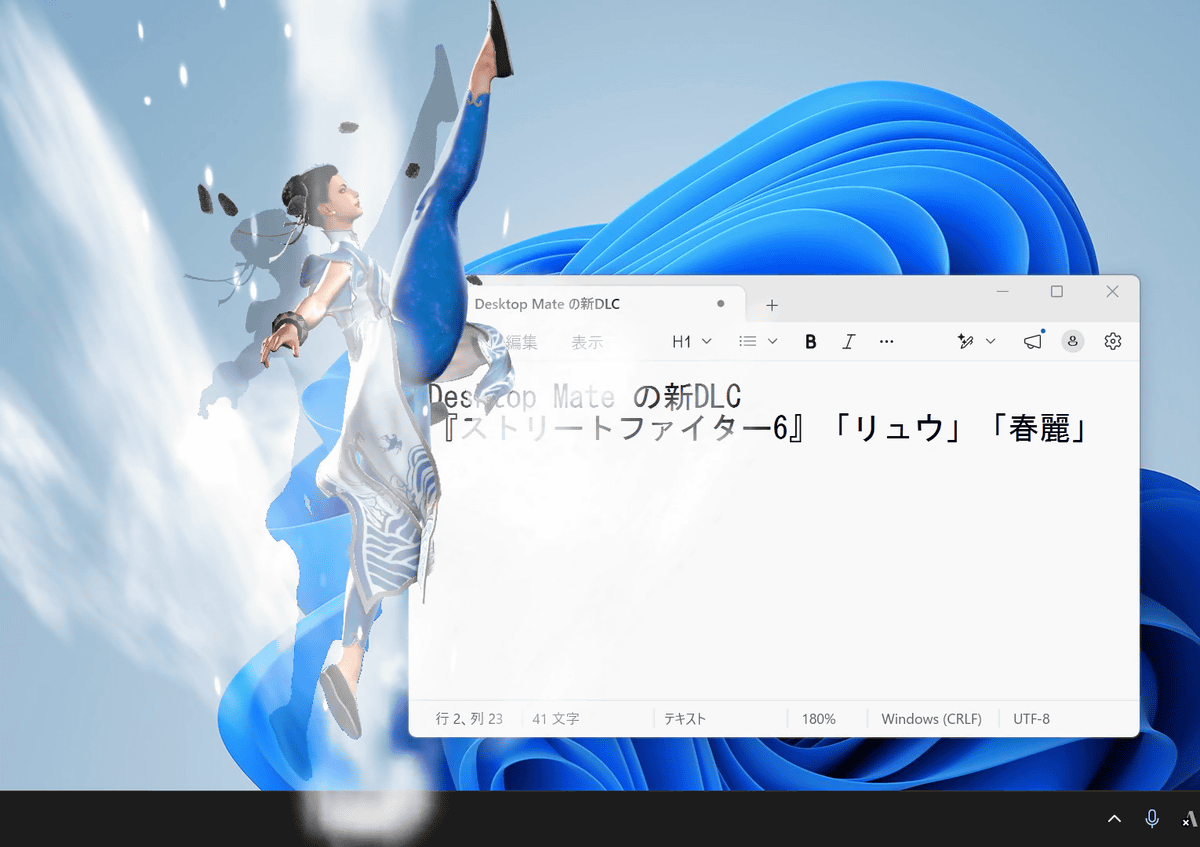
For the finish, she blows the window away even further after kicking it high into the air.

You can see the voices and motions for “Desktop Mate Street Fighter 6 Chun-Li DLC” in the following video.
Chun-Li from『Street Fighter 6』appears on the PC screen and shows off flashy kicking techniques【Desktop Mate】 - YouTube
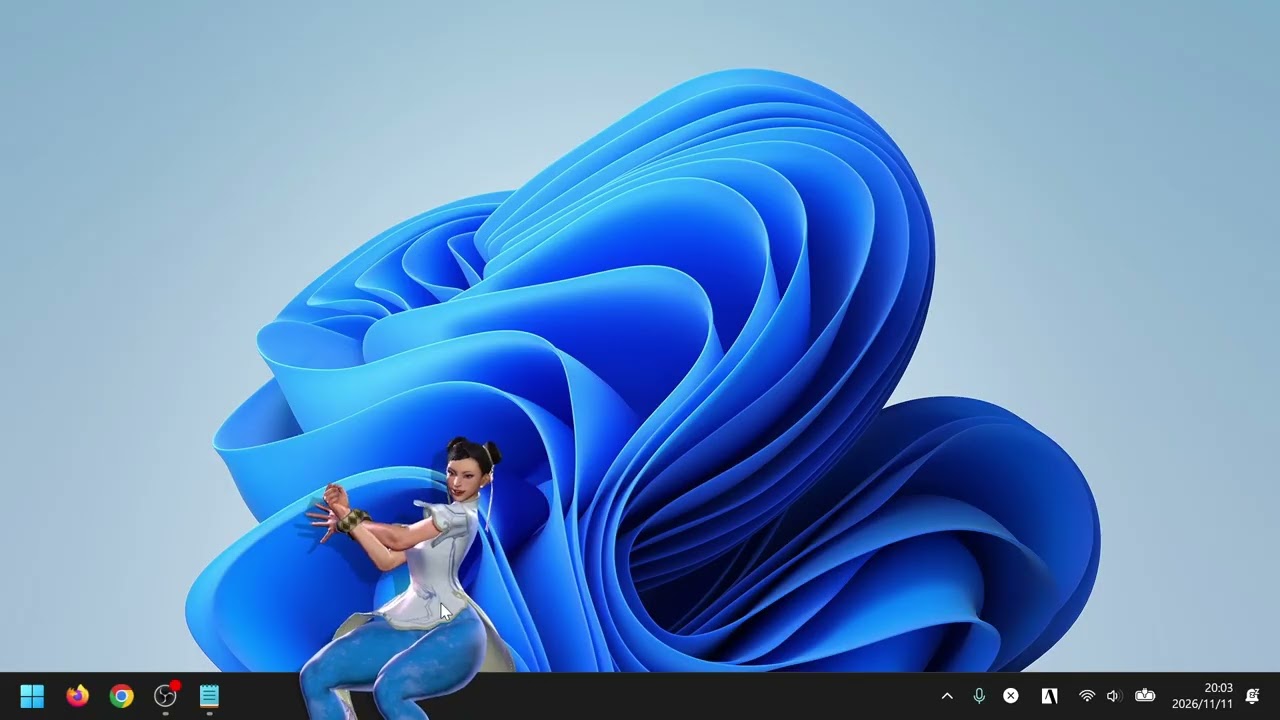
You can also set an alarm for Chun-Li.
Chun-Li announces the time with an alarm【Desktop Mate】 - YouTube
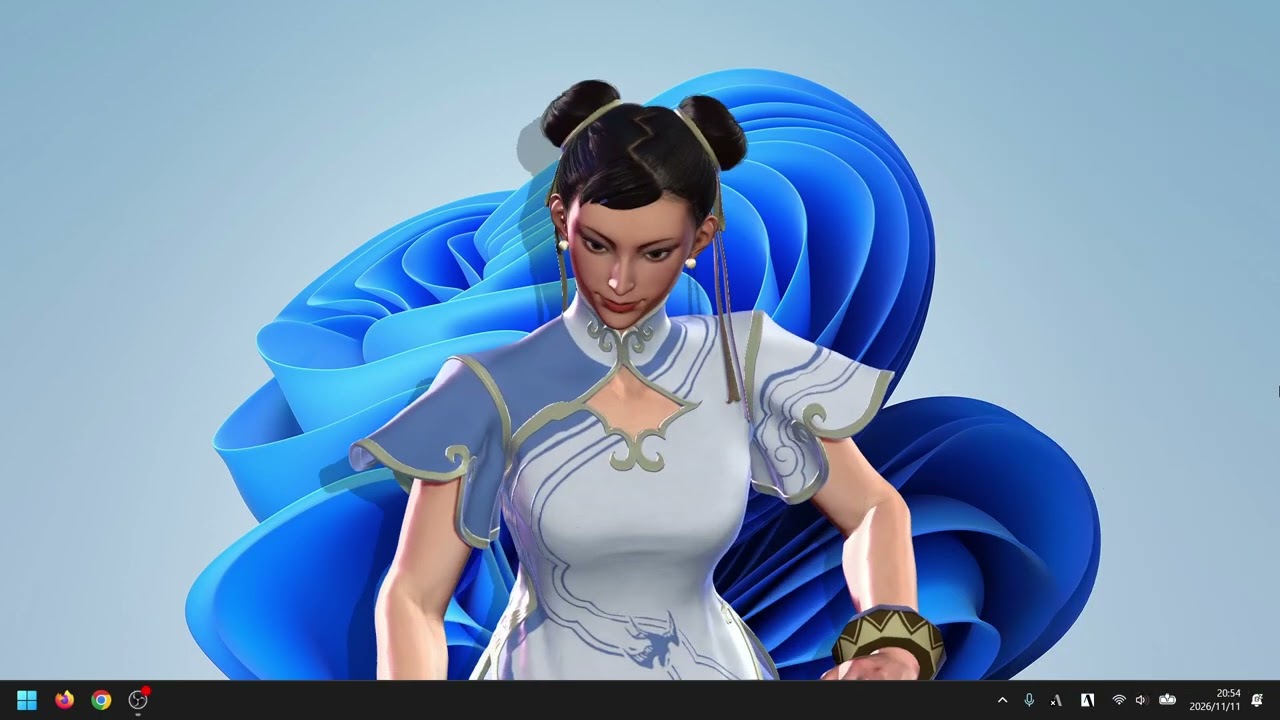
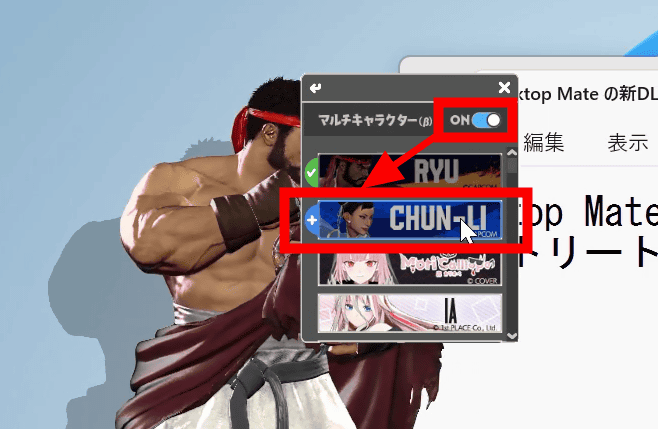
Also, “Street Fighter 6 Ryu DLC” and “Street Fighter 6 Chun-Li DLC” support the multi-character feature. Turn the multi-character toggle switch ON, then select “CHUN-LI” in addition to the displayed Ryu.
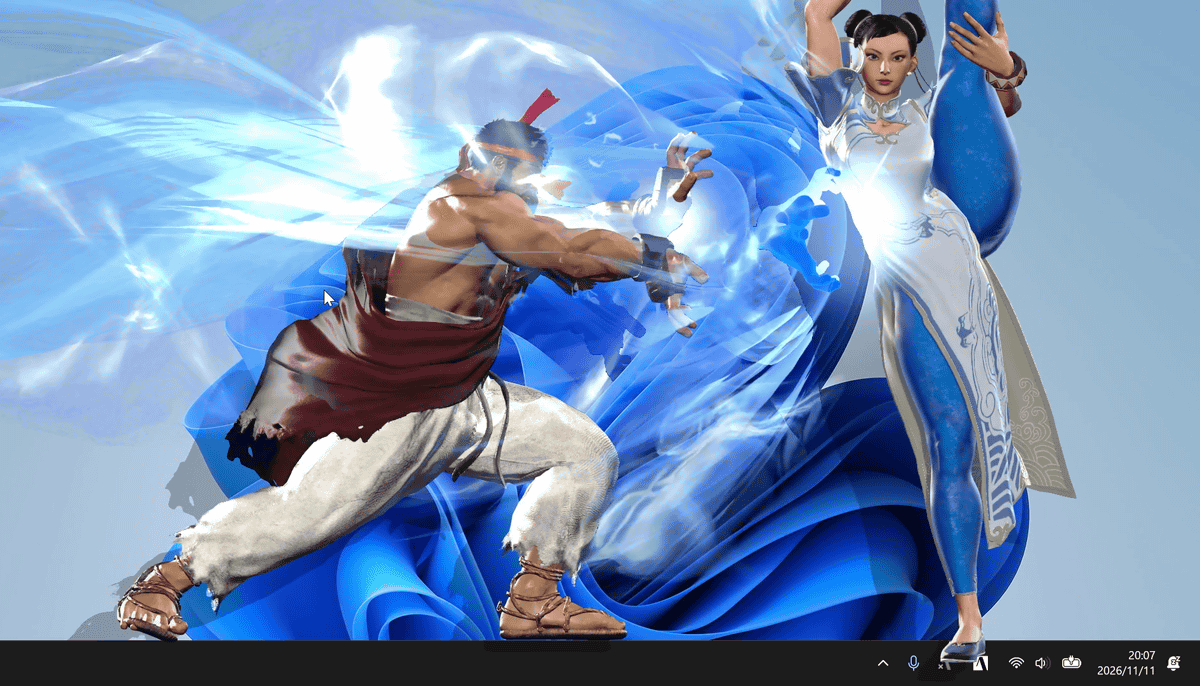
The two appear on the PC screen at the same time. Note that even when they perform special moves, there is no hit detection.
Desktop Mate is free, while “Desktop Mate Street Fighter 6 Ryu DLC” and “Desktop Mate Street Fighter 6 Chun-Li DLC” cost 2,200 yen each (tax included).

