Zhidx (WeChat official account: zhidxcom)
Compiled by | Cheng Qian
Edited by | Xinyuan
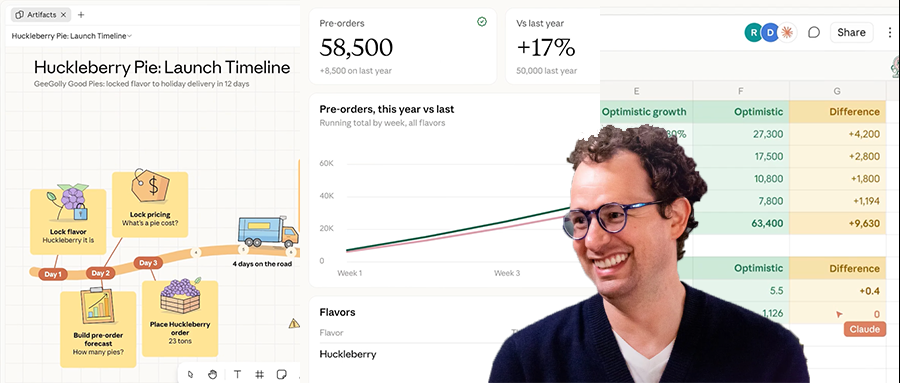
Zhidx reported on November 11 that Anthropic launched several AI productivity tools today, including the spreadsheet tool Claude Sheets, the whiteboard tool Claude Whiteboards, and the data analysis tool Claude Data.
Claude Whiteboards is a shared canvas where enterprise teams can brainstorm with Claude. Claude Sheets lets Claude and users build and edit spreadsheets together, while Claude Data has added data narrative generation, certified queries, and real-time sharing.
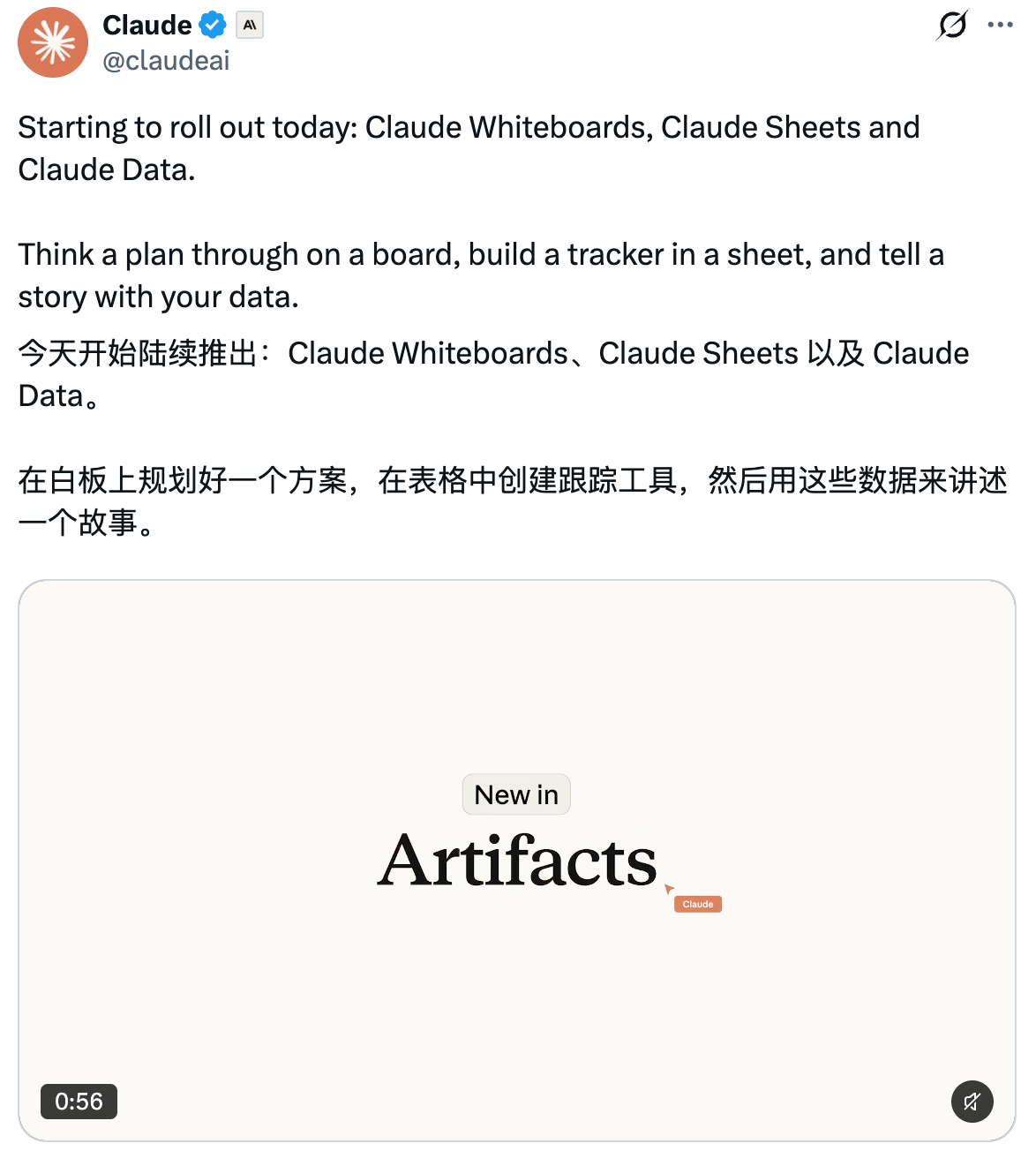
In addition, Anthropic has upgraded its interactive connectors. Starting today, partners can embed their own apps directly in Claude, allowing developers to work in products such as Adobe and Atlassian enterprise collaboration software without switching tabs.
These new features will roll out over the course of today. Claude Whiteboards, Claude Sheets, and Claude Data are available on the web, desktop, and mobile devices, and can be used alongside Claude's existing capabilities for generating documents, PPTs, and design graphics, as well as the beta AI animation tool Claude Motion. Claude Data requires a data connector, such as one for a data warehouse or CRM system.
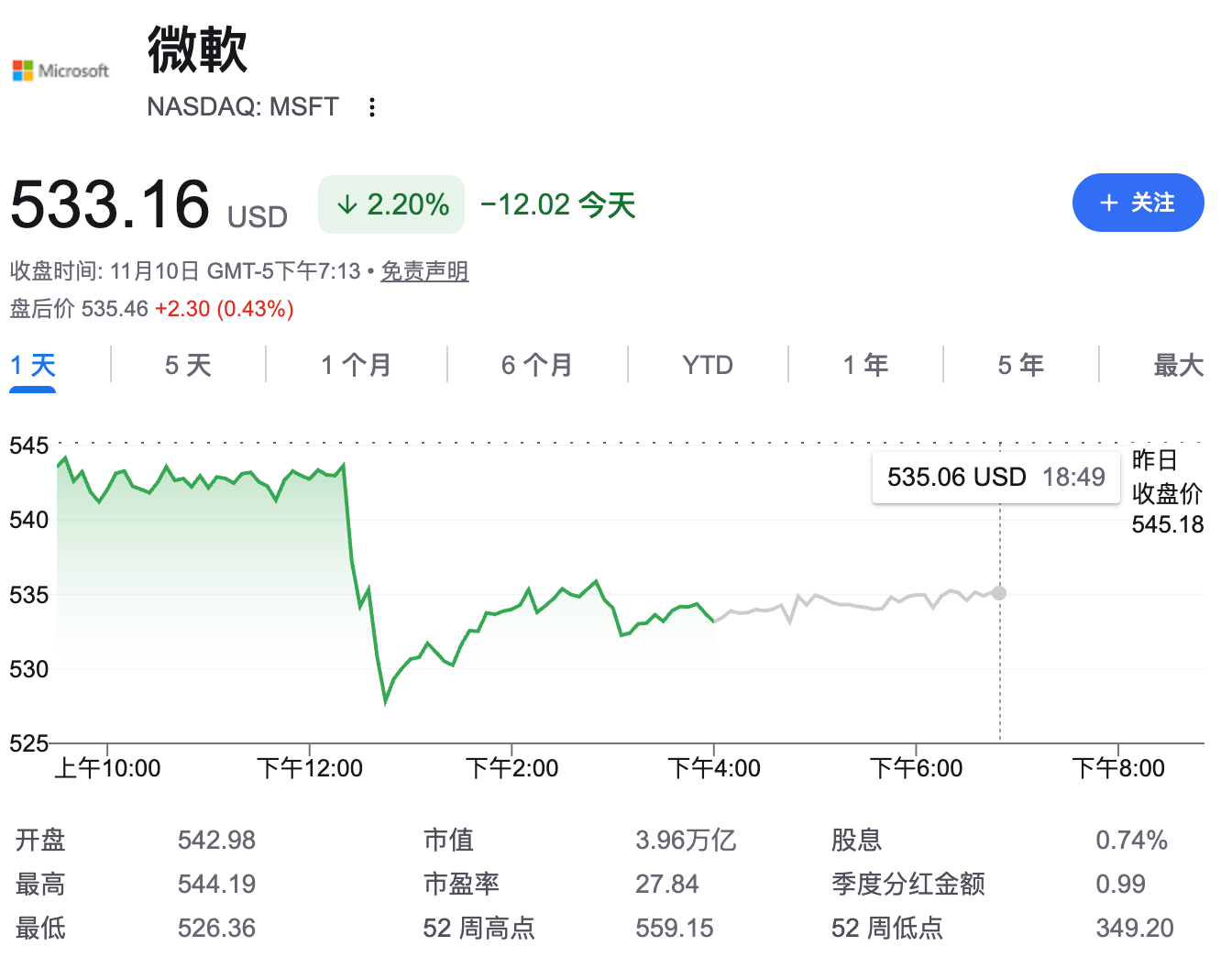
An internet user created a meme joking that Microsoft's situation is now dangerously precarious.

Another netizen lamented that Claude had already drawn a close to traditional office work. Yet another felt fortunate that they hadn't seriously learned Office back in the day.
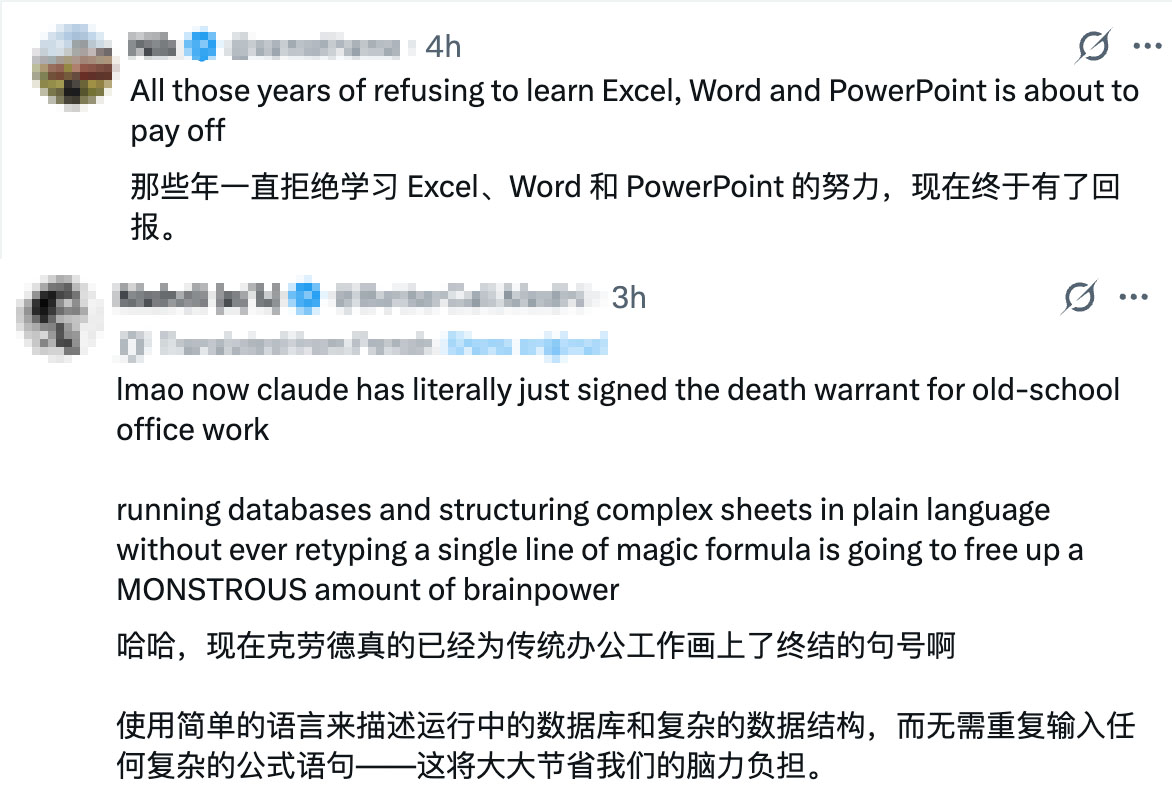
Still more directly, another netizen asked, “Did Claude just kill Microsoft?”

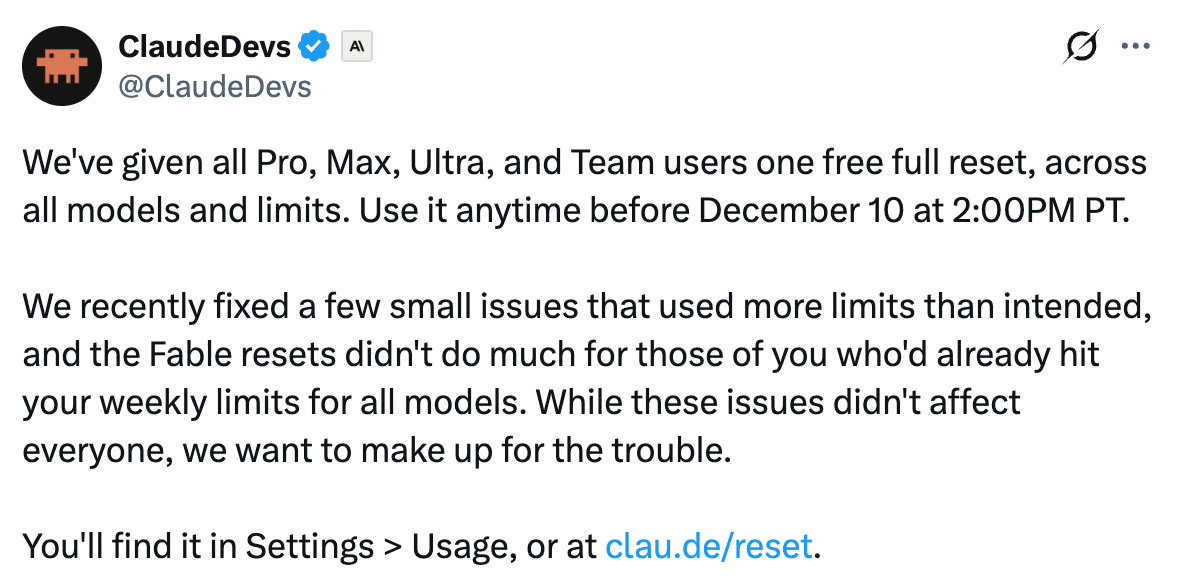
Earlier this morning, Claude also announced a free full reset service for all Pro-tier, Max-tier, Ultra-tier, and team users, applicable across all models and limits and available until 6:00 a.m. on December 11.
I. Claude Sheets: Generate a spreadsheet with formulas and drop-down menus from a single prompt
In Claude Sheets, developers can create spreadsheets with Claude, collaboratively organizing data, creating and editing formulas, and working across multiple worksheets.Users only need to enter a prompt asking for an activity tracker or hiring budget spreadsheet, and Claude can generate a spreadsheet with tabs, formulas, formatting, and drop-down menus.
It can also make edits in cells and summarize each new edit, making it easy for users to track changes. All these actions can be shared with the user's team.
At present, the feature offers only basic spreadsheet functionality. If users need Excel's full capabilities, they can also export files in .xlsx or CSV format and continue working in other collaboration tools.

2. Claude Whiteboards: Turn Brainstorming Results Directly into Documents and Presentations
Claude Whiteboards is a digital whiteboard tool that enables users to brainstorm and organize ideas collaboratively with team members during meetings, turning brainstorming content into a board featuring timelines, owners, and dates.
For example, in a retrospective meeting, everyone can add their own notes, while Claude groups the notes by topic and drafts action items for each person. Users can select any area of the board and ask Claude questions to focus on that area. After the brainstorming session, Claude can also turn the board into a document or presentation, or import it into other collaboration tools.

3. Claude Data: Certified Data Can Be Shared with One Click
Claude Data launched a beta in October this year and officially went live today.
This feature can create certified metric definitions. Data teams can centrally certify queries for use by everyone, preventing data conflicts across the dashboards people build and use. Charts generated from these metrics will carry a “Certified” label.
It supports creating narratives based on data. Users can collaborate with Claude in Claude Data to write data interpretation articles using various metrics, or generate narrated videos.
With the data-sharing feature, users can sync the latest data with everyone in Claude Data. Even if a colleague does not have permission to access data source connectors, they can open the shared dashboard and see real-time updated data. Viewers can only see query results approved by the user and cannot run other queries.
This feature also supports custom interface styles, faster loading through caching, and tracking historical changes.
Its certified-query and real-time-sharing features are still in beta.

Conclusion: Claude Builds Its Own Native Workbench—Traditional Office Software Is at Risk
As the netizen mentioned earlier, this Claude release will significantly disrupt traditional office tools. For decades, the core purpose of office software has been to support human output through formats such as documents, spreadsheets, and canvases. Today, the addition of AI tools is changing that reality.
Current enterprise practices reveal two approaches to AI office tools. OpenAI previously released a series of office tools, including canvases and spreadsheets, with the idea of using ChatGPT Work as an agent that connects to users’ existing Excel files, documents, and various business systems. Claude’s newly released AI office tools, by contrast, integrate thinking, reasoning, collaboration, data querying, and business systems, making human-AI collaboration smoother.
Source: Anthropic, X
We need translate following text, but after user prompt appears whitespace only? Need inspect. It shows spaces newline. There is no source text. Need return perhaps empty? We need only translation. Maybe invisible characters? User content is blank line spaces. Could output nothing? We must answer likely no text to translate. But instruction says only translation. Could return empty string? In final perhaps blank impossible? We can send empty final. Need consider perhaps image absent? The text appears whitespace. We should not fabricate. Maybe output "[No text]"? But violates translation only. Usually blank input, say "No text provided." Yet developer explicitly only translation no explanation. There is nothing to translate. Empty response is apt. But platform likely requires final content. Could output maybe preserve whitespace. Let's inspect raw: user: " " newline. That's 13 spaces. No tags. We can final with those spaces? "directly faithfully" means translate whitespace to whitespace. Return only translation. I'll output spaces perhaps. But final renderer strips? Could produce blank line. Let's decide. Maybe intended test expects empty translation. Use final with nothing? I need place content after final. Can final be empty. likely yes.



