An Easter egg developed in collaboration with The Pokémon Company is now available on Google Search as of April 5. When you enter a monster’s name in Google Search on a smartphone, a Poké Ball appears on the screen, allowing you to catch the Pokémon.
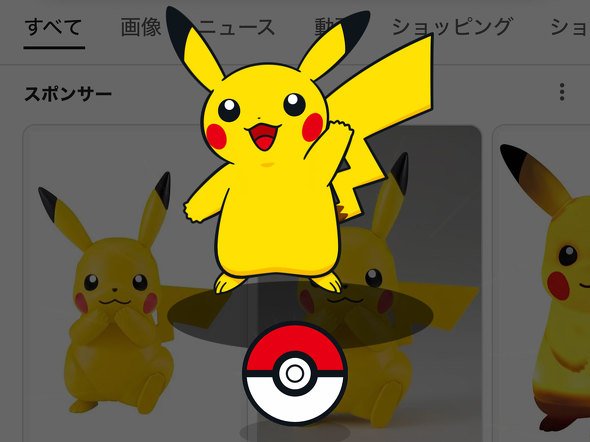 Catching Pikachu with a Poké Ball
Google Search has a hidden feature called an “Easter egg.” These are jokes or games that appear when you search for certain keywords or perform certain actions. For example, searching for “diagonal” or “one rotation” causes the search results page to appear tilted or spin, respectively. Easter eggs are also hidden for searches such as “cat” and “dog.”
In this collaboration, entering a Pokémon’s name in Google Search on a smartphone (supported languages are Japanese and English) causes a Poké Ball to appear on the screen. Tap it to catch the Pokémon. Captured Pokémon are recorded in your Pokédex, where you can check all the Pokémon you have caught so far. There are 151 types of monsters that can be caught. You can also share your progress with friends, or reset and enjoy catching Pokémon again.
You will need a Master Ball to catch Legendary or Mythical Pokémon. Apparently, to obtain a Master Ball, you have to register many Pokémon in your Pokédex.
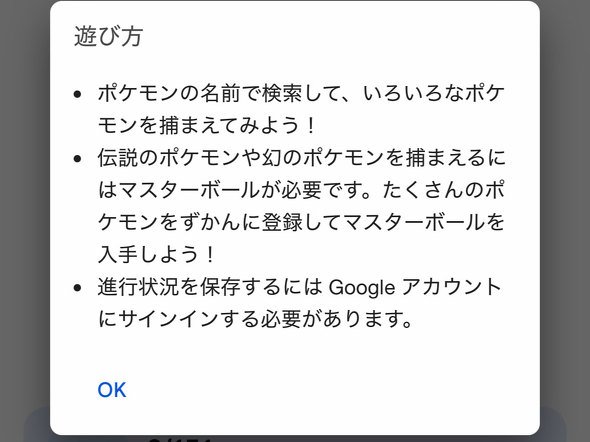 How to play the Pokémon collaboration Easter egg
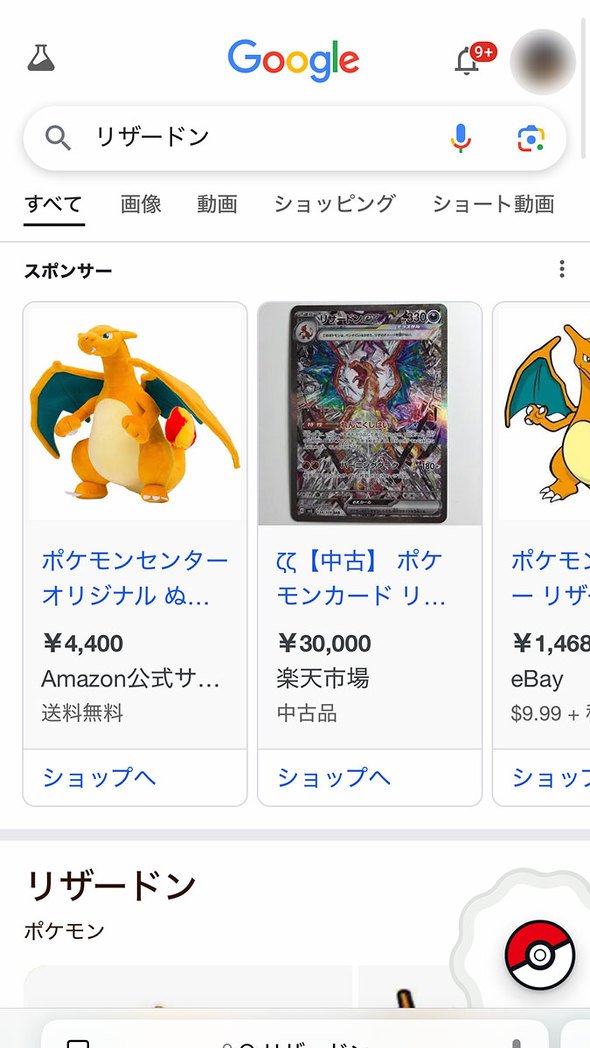 Searching for a Pokémon’s name causes a Poké Ball icon to appear in the bottom-right corner of the screen
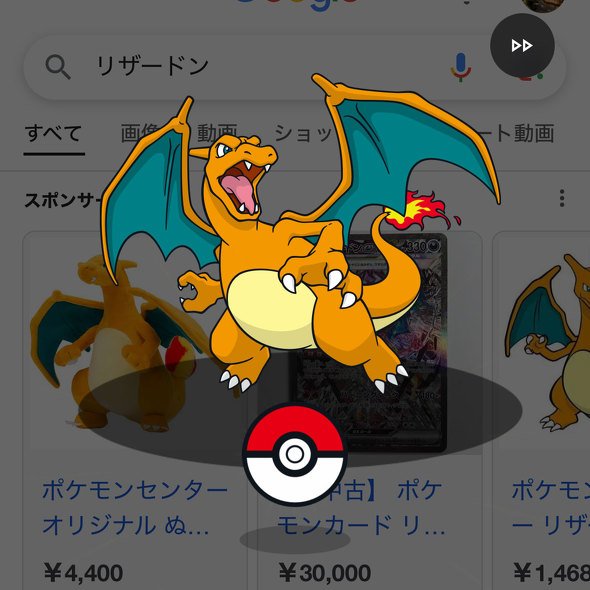 Tap it and a monster appears, and you catch it with a Poké Ball
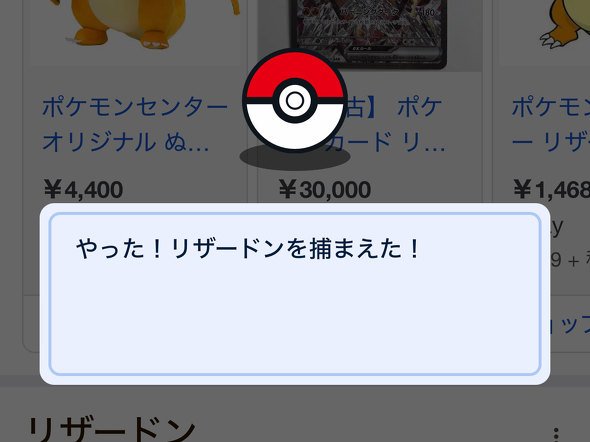 Caught Charizard
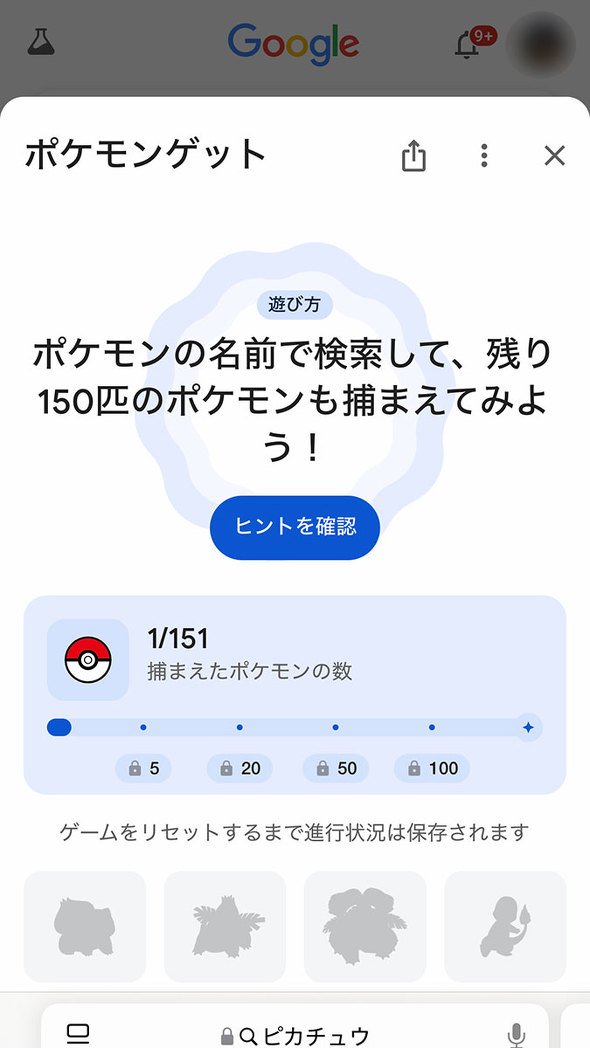 There is also a status screen where you can check the number of Pokémon you have caught
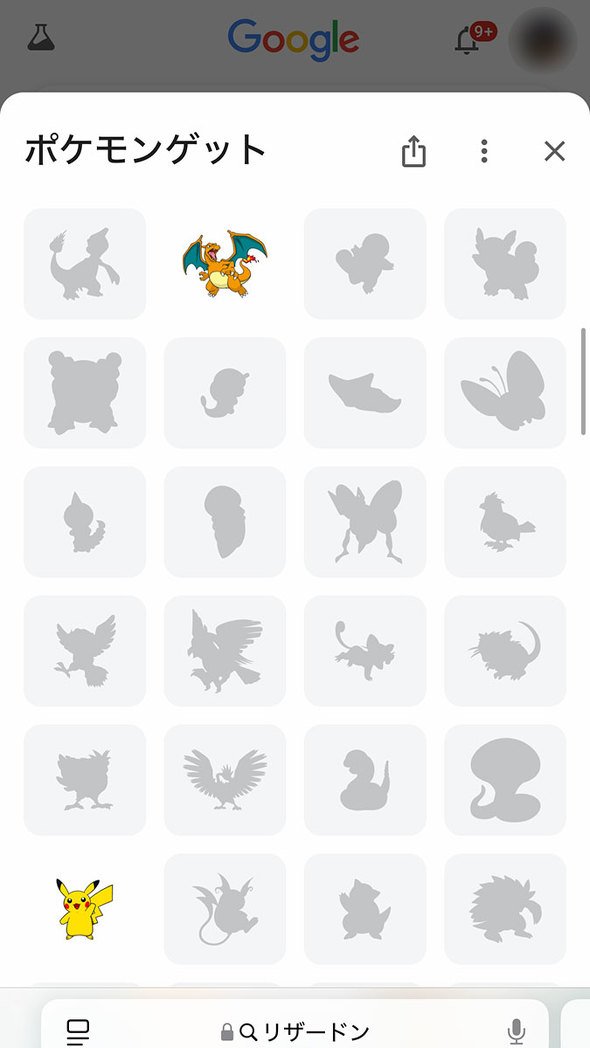 You can view a list of the Pokémon you have caught, just like in a Pokédex

